Best AI Chatbots 2026: 10 Top AI Assistants Compared
You’ve probably got ChatGPT open in one tab, a coworker won’t stop talking about Claude, and Gemini keeps popping up inside Gmail whether you asked for it or not. That’s the real problem with finding the best AI chatbots of 2026 — no single tool wins every job. Each one excels at something different, and most roundups ignore that truth to hand you a lazy ranked list instead. I tested the ten AI chatbots that actually matter this year, pushed each one through real writing, coding, and research tasks, and I’m giving you a straight answer — not a generic list built around whichever company shouted loudest this month.
What Is an AI Chatbot?
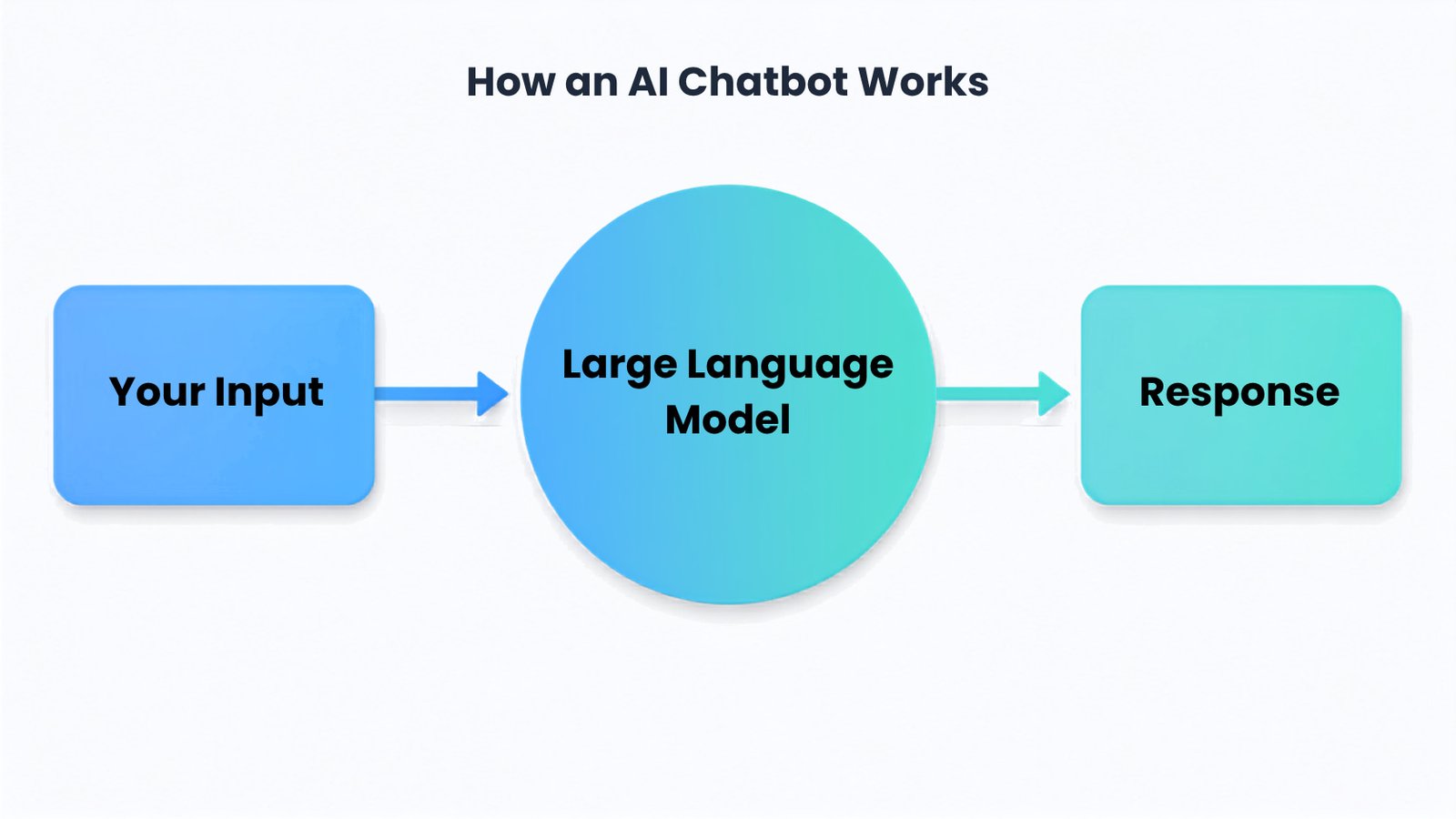
Software that takes what you type or say, runs it through a large language model, and hands back a natural-sounding response. That’s it, really. The app layer handles the interface stuff — voice input, file uploads, memory, saved chats. The model underneath does the actual thinking. Same basic idea across every tool on this list. Where they actually diverge is which model powers them, how it’s been fine-tuned, and what’s been built around it.
How I Evaluated These AI Chatbots
Instead of chasing whatever tops a benchmark chart this particular week (those change constantly and mean less than people think), I weighed four things that actually matter day to day: response quality across a real back-and-forth conversation, not just a single clever answer.
How well each tool handles uploaded files and follow-up questions without losing the thread. The depth of what’s actually built in — search, image generation, coding agents — versus what’s just marketing copy. And, honestly, whether the interface is something you’d stick with once the novelty wears off, because plenty of tools impress for a week and then get abandoned.
Pricing transparency mattered too. A cheap plan that hides half its real features behind an upsell isn’t actually cheap. (Want the deeper dive on any single tool? Our full reviews of ChatGPT, Claude, and Gemini go a lot further than a roundup like this one can.)
Best AI Chatbots at a Glance
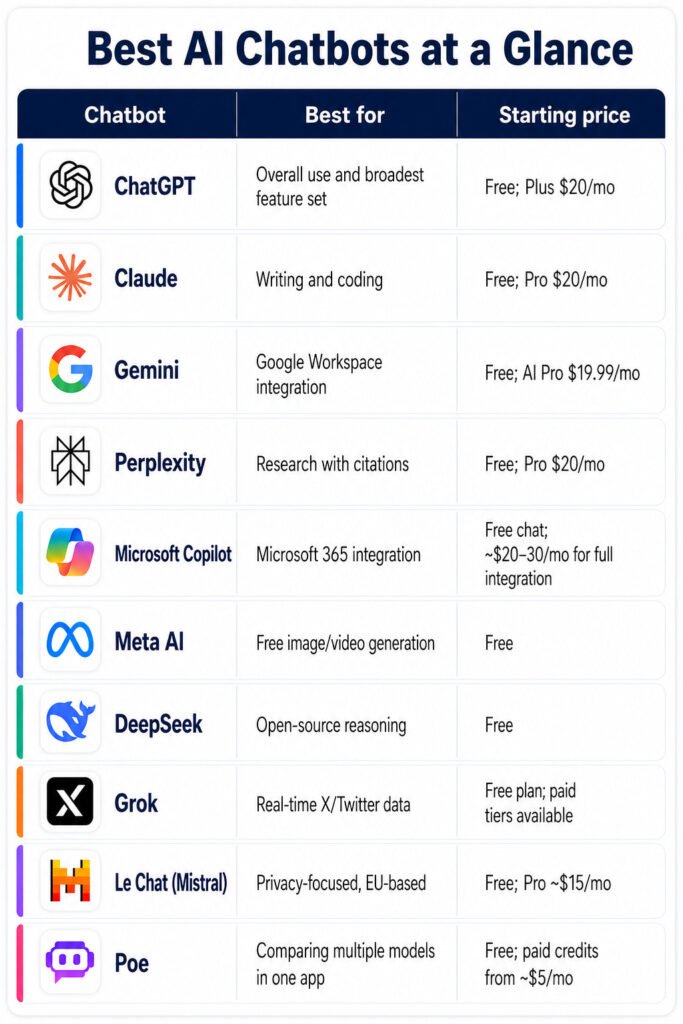
| Chatbot Best For | Starting Price |
| ChatGPT Overall use and broadest feature set | Free; Plus $20/mo |
| Claude Writing and coding | Free; Pro $20/mo |
| Gemini Google Workspace integration | Free; AI Pro $19.99/mo |
| Perplexity Research with citations | Free; Pro $20/mo |
| Microsoft Copilot Microsoft 365 integration | Free chat; ~$20–30/mo for full integration |
| Meta AI Free image/video generation | Free |
| DeepSeek Open-source reasoning | Free |
| Grok Real-time X/Twitter data | Free plan; paid tiers available |
| Le Chat (Mistral) Privacy-focused, EU-based | Free; Pro ~$15/mo |
Poe Comparing multiple models in one app Free; paid credits from ~$5/mo
Best AI Chatbots 2026: In-Depth Reviews
ChatGPT Review
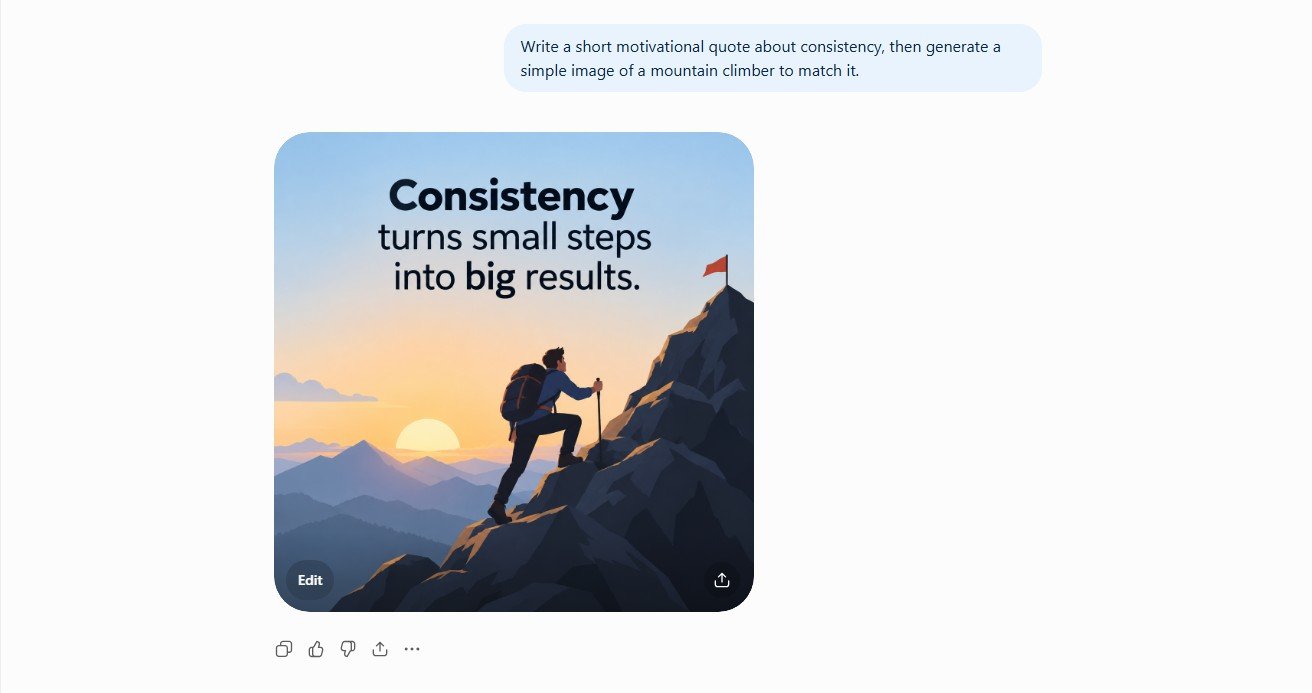
The most widely used chatbot, and not by accident. Broad features, a free tier that’s actually usable rather than a teaser, and tools like Agent Mode and Deep Research that go well past simple chat. It generates images, handles voice conversation, browses the web natively. If you want one app that covers writing, coding, images, and voice without hopping between tabs all day, this is it. (Full breakdown: our ChatGPT review.)
Claude Review
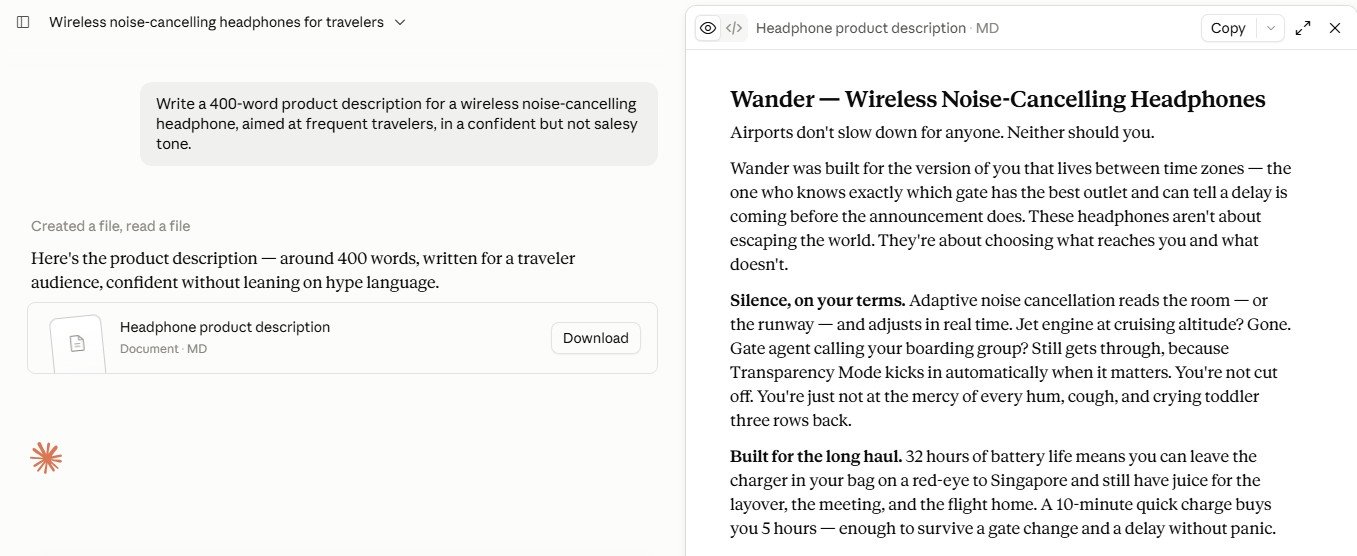
The strongest pick specifically for long-form writing and real coding work — and Claude Code comes bundled free with the $20/month Pro plan, which is a genuinely good deal. It holds a consistent voice across long documents better than most competitors manage, and it doesn’t lose track of context in a big uploaded file the way some tools do. No image or voice generation, though. It’s not trying to do everything. Just writing and code, done well.
Google Gemini Review
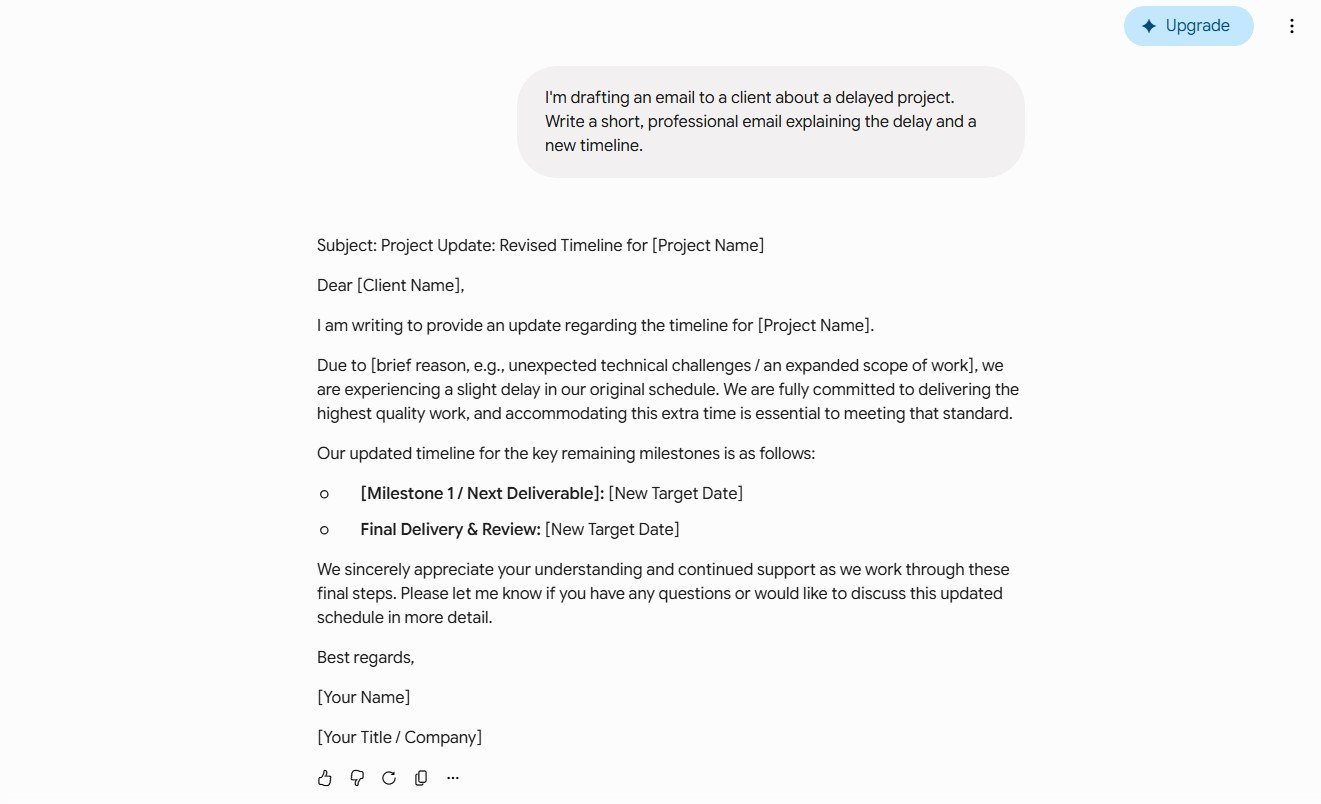
Wins on integration, not on raw output quality, and that’s worth being upfront about. If your day already runs through Gmail, Docs, and Search, Gemini just shows up where you’re already working instead of asking you to open something new. Deep Research and the Workspace features are genuinely strong. The pricing history, though, has been a mess — more name changes and tier shuffles than any competitor on this list. (Full breakdown: our Gemini review.)
Perplexity AI Review
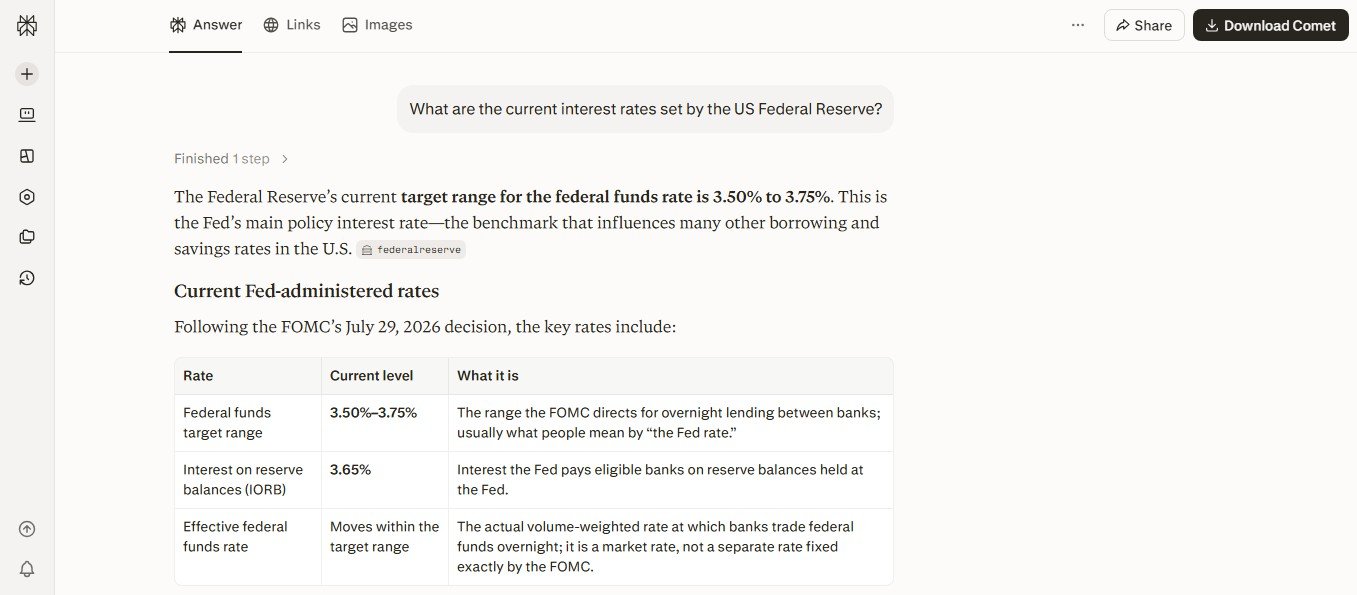
Built for research, not general chat, full stop. Every answer ships with citations by default, and its Research and Labs modes genuinely beat a general chatbot’s bolted-on web search for anything fact-heavy — competitive analysis, academic-style questions, that sort of thing. Ask it for a poem or a marketing tagline, though, and you’ll feel the limits fast.
Microsoft Copilot Review
Obvious pick if your company runs on Microsoft 365. It reads your Outlook, Teams, and Office files with a level of context a standalone chatbot just can’t touch, and Copilot Vision can look at your screen in real time to help troubleshoot something. Outside that ecosystem, though? It doesn’t really carve out a clear edge over everything else on this list.
Which Is Best AI Chatbot for Writing?
Claude, and it’s not particularly close. It holds a specific tone and style over a long document better than the alternatives, which ends up mattering a lot more than raw speed once you’re past the first draft and into actual revision.
Which Is Best AI Chatbot for Coding?
Claude and ChatGPT are the two strongest general picks, Claude Code and Codex respectively and both handle real, multi-file projects instead of isolated snippets. Already living inside an IDE all day? A dedicated tool like GitHub Copilot is worth stacking on top of whichever chatbot you pick.
Which Is Best AI Chatbot for Research?
Perplexity, mainly because citations are the default, not an optional extra you have to remember to ask for. ChatGPT’s Deep Research and Gemini’s Deep Research are both solid runners-up if you’d rather not leave a tool you’re already using for everything else.
Free vs. Paid AI Chatbots

Every major chatbot now has a free tier worth actually using, not just a crippled demo meant to push you toward paying. For occasional use, that’s genuinely enough — don’t let anyone talk you into paying before you need to. The upgrade starts making sense once you hit daily usage caps, need something like a coding agent or Deep Research, or just want the ads and wait times gone. Most entry-level paid plans across ChatGPT, Claude, Gemini, and Perplexity have converged on the same $20/month price point anyway, so at that stage the real question isn’t which is cheaper. It’s which bundle of features you’d actually use.
How to Choose the Right AI Chatbot
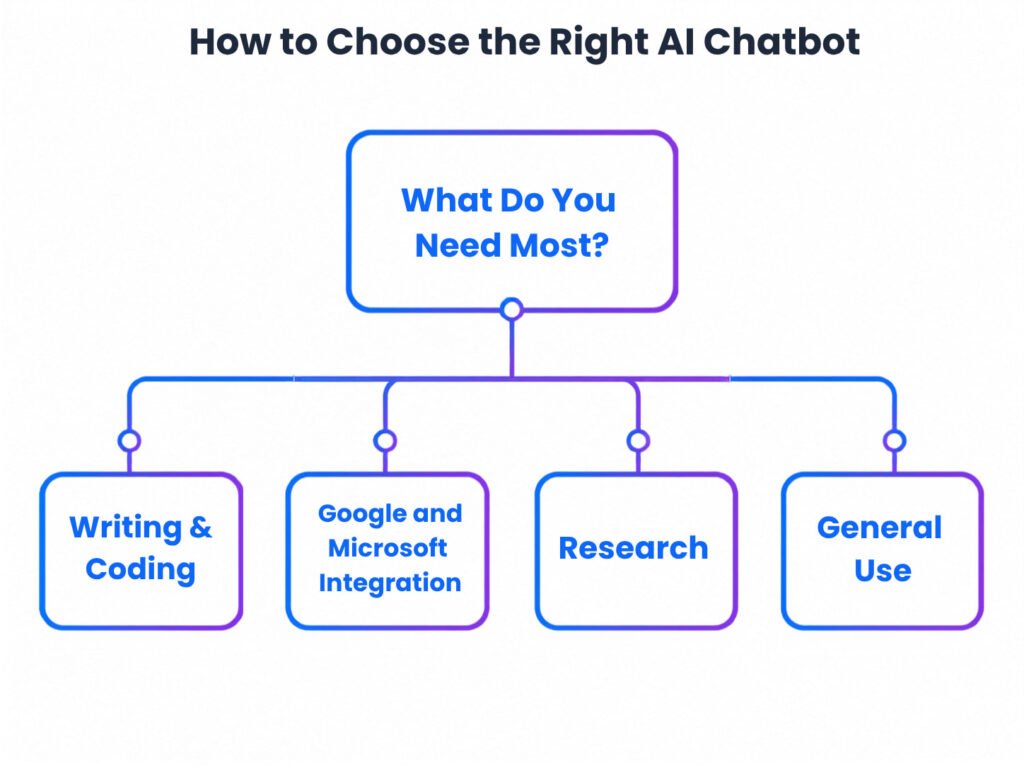
Start with what you already spend the most time doing. Heavy writer or developer? Claude. Living inside Google or Microsoft’s world? Gemini or Copilot, respectively. Research is the actual daily job? Perplexity. Want one tool that does a bit of everything decently? ChatGPT. A lot of people settle on one primary tool and keep a second around for the one thing it doesn’t do well, pairing a writing-focused tool with an image or research specialist is common for exactly that reason, and it usually costs less than trying to force one subscription to cover everything.
One more thing worth thinking about: where does the tool actually need to live? Something brilliant in isolation but that makes you copy-paste between five browser tabs all day loses a lot of its shine compared to a “good enough” tool that’s already sitting inside the app you use most. That’s basically the entire pitch for Gemini and Copilot over a smarter standalone option, for a lot of people.
Frequently Asked Questions
What is the best AI chatbot overall?
ChatGPT, for the broadest feature mix and the largest active user base. Claude and Gemini both beat it in their specific lanes — writing and coding, and Google integration, respectively.
Is there a free AI chatbot that’s actually good?
Yes. ChatGPT, Claude, Gemini, Perplexity, Meta AI, and DeepSeek all offer free tiers that are genuinely usable, not watered-down demos designed to frustrate you into paying.
Which AI chatbot is best for beginners?
ChatGPT or Gemini. Both have simple interfaces and don’t require any real setup before they’re useful.
Do I need to pay for an AI chatbot?
Not necessarily. Free tiers cover casual, occasional use just fine. Paid plans earn their cost once you’re using a chatbot daily for actual work.
Can I use more than one AI chatbot?
Yes, and plenty of people do exactly that one for writing or coding, another for research or images. There’s no rule saying you owe loyalty to a single tool.
Which AI chatbot has the best free plan?
ChatGPT and Gemini both offer the strongest free tiers among the major players, though Perplexity’s free tier deserves a look specifically if research is your main use case.
Are AI chatbots safe to use for sensitive work information?
Be cautious with genuinely sensitive data regardless of which chatbot you pick. Check each tool’s data retention and training settings before connecting it to email, documents, or company systems, and lean toward business-tier plans with stronger guarantees for anything work-critical.
Final Verdict: The Best AI Chatbots of 2026
There’s no single best AI chatbot for everyone, and any list that claims otherwise is oversimplifying to make a cleaner headline. ChatGPT is the safest all-around pick if you only want one tool. Claude is the better choice specifically for writing and coding. Gemini and Copilot win if you’re already locked into Google or Microsoft. Perplexity wins if research and citations are the actual daily job.
The fastest way to figure out which fits you: pick the tool that matches your main use case from the table above, run its free tier for a week, and pay attention to what you actually reach for by day seven. That tells you more than any review, including this one.