Most Midjourney reviews still floating around online describe a tool that doesn’t fully exist anymore — an old model version, a Discord-only workflow, pricing screenshots from years back. I’ve been generating with Midjourney regularly through its V7 and V8 updates, on both the website and Discord, and a fair amount has changed since the reviews you’ve probably already read.
This Midjourney review covers what it’s actually like to use today, whether it still holds up as the best AI art generator against real 2026 competition, what you’ll actually pay, and who it’s genuinely worth it for. No recycled screenshots — just what I’ve found generating images for actual projects, not test prompts picked to look good in a review, and a genuine attempt to flag the trade-offs instead of just the highlights.
What Is Midjourney AI?
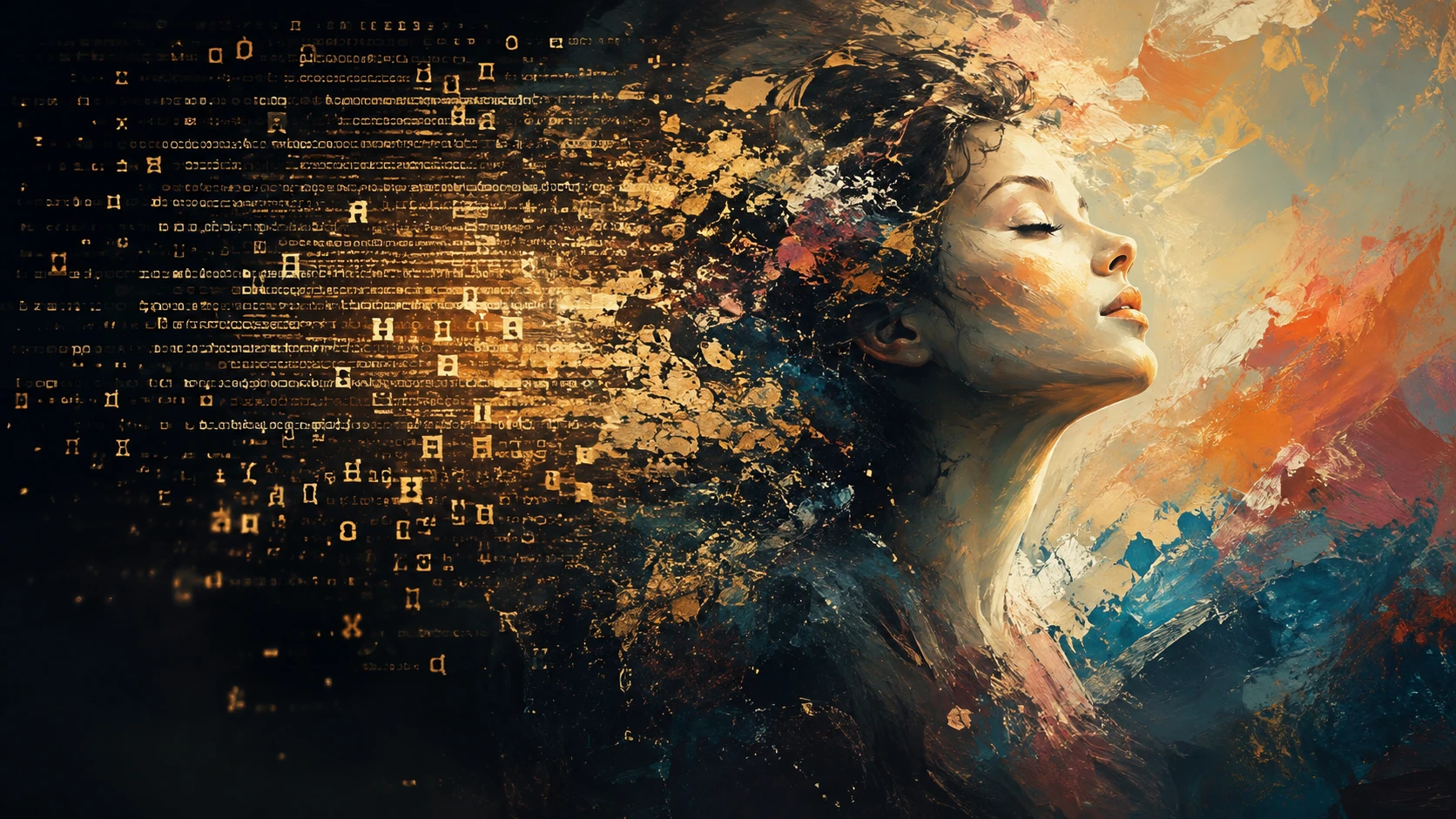
Midjourney is an AI image generator built by an independent, self-funded research lab based in San Francisco, founded by David Holz. You type a text description, and it returns a set of image options in a distinctive, painterly, often cinematic style that’s become recognizable enough that people can usually spot a Midjourney image without being told.
It’s not owned by Google, OpenAI, or Adobe, and that independence shows in its priorities — it’s optimized for artistic quality and mood over speed or ease of access. For years, that meant working through Discord. That’s no longer the full picture.
Midjourney Review: My Honest Experience Using V7 and V8
The Web App Finally Replaced Discord
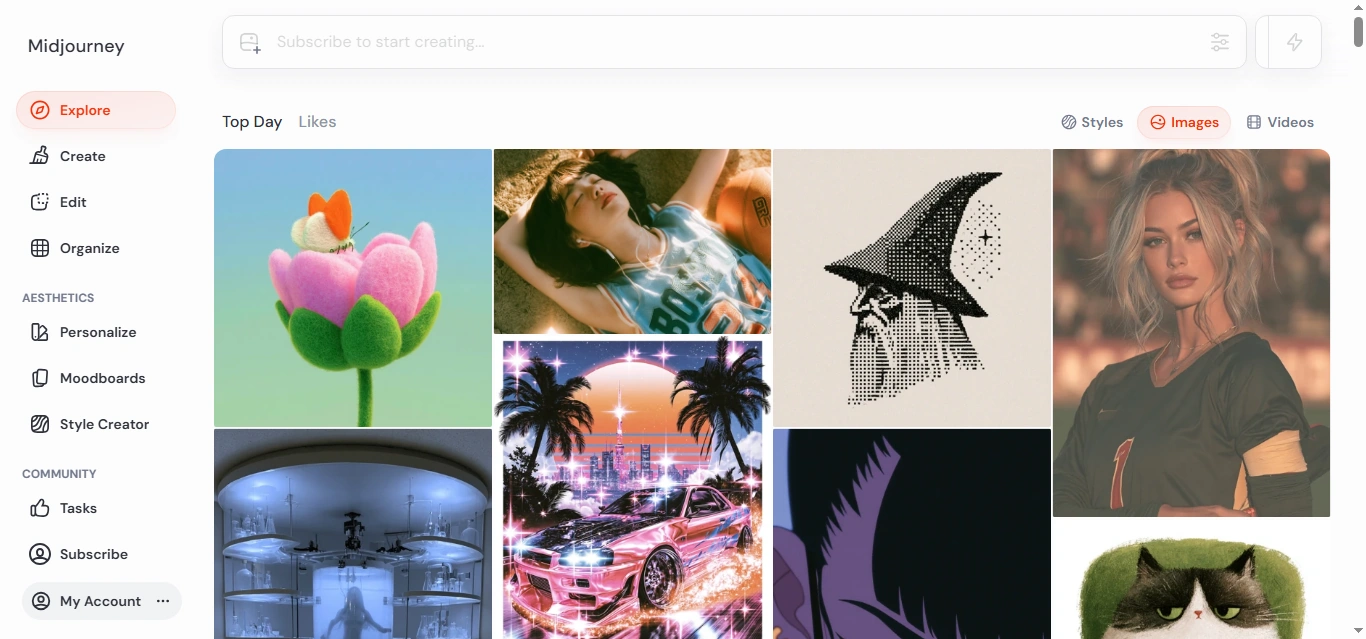
This is the single biggest change worth knowing if the last thing you read about Midjourney complained about Discord. The web interface at midjourney.com is now the full, primary way to use the tool — you don’t need a Discord account, and you’re not missing features by staying off it. Discord still exists for people who like the community feed of other people’s generations, but it’s optional now, not a requirement.
Image Quality: Still the Benchmark for Style
Midjourney’s default version is V7, and its headline feature is something called Omni Reference — you feed it a reference image of a person, object, or creature, and it can carry that exact subject into new scenes consistently, instead of generating a slightly different-looking version each time. For anything involving a recurring character or product across multiple images, this is the feature that makes Midjourney worth the learning curve.
There’s a newer V8 update focused more on personalization and overall image polish, and the results are noticeably more refined for portraits and atmospheric scenes. The catch: V8 doesn’t currently support Omni Reference, so if consistency across images matters more to you than raw polish, you’ll likely stay on V7 rather than jump to the newest version just because it’s newest. That’s a real trade-off worth knowing before you start a project, not something you want to discover halfway through one.
Where It Still Struggles
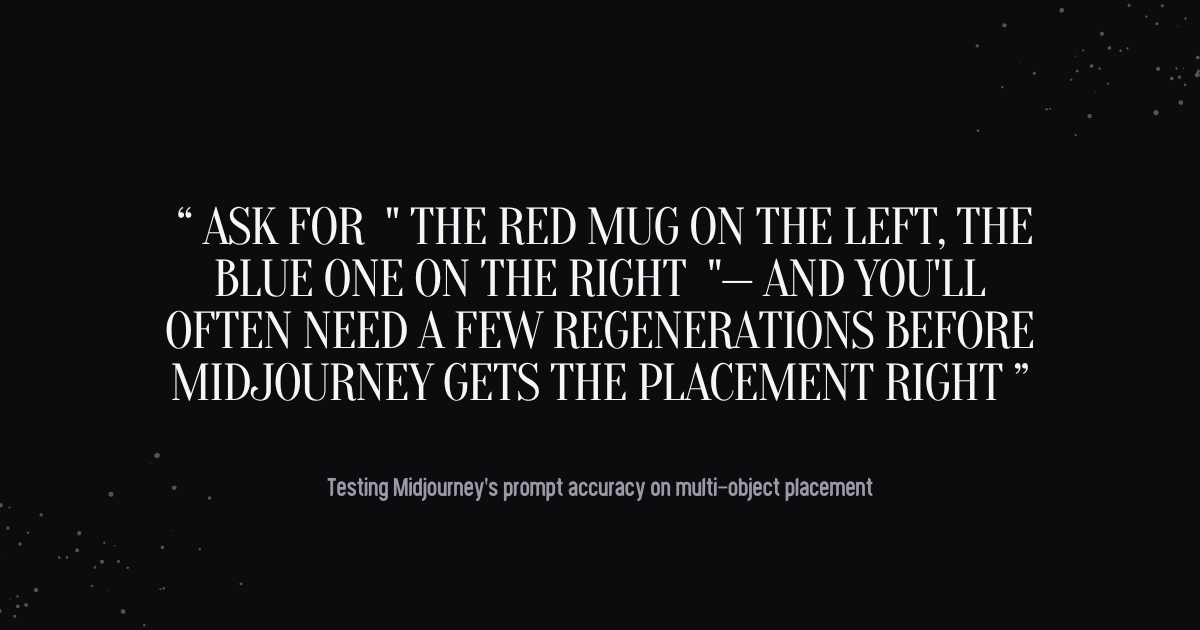
Prompt accuracy on complex, multi-part instructions is still hit-or-miss. Ask for a specific number of objects, exact text, or a precise spatial arrangement (“the red mug on the left, the blue one on the right”), and you’ll often need a few regenerations before it lands. This hasn’t fundamentally changed from earlier versions — Midjourney is better at capturing a mood and style than following a detailed brief to the letter.
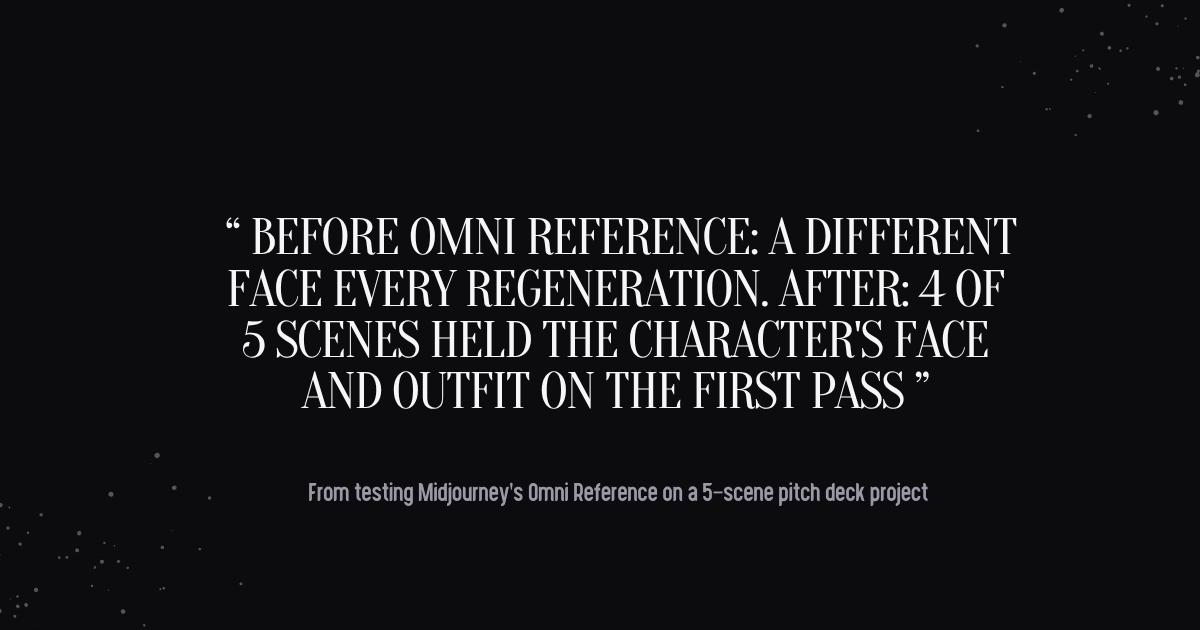
A specific example from my own use: I was generating a set of concept visuals that needed the same fictional character in five different scenes for a pitch deck. Before Omni Reference, this was genuinely painful — every regeneration gave me a slightly different face, and I’d spend as much time picking the “closest match” as actually creating anything. With a reference image and Omni Reference turned on, four of the five scenes held the character’s face and outfit consistently on the first pass. That alone changed how I plan projects with it now — I build in reference images from the start instead of treating consistency as something to fix in editing.
[Internal link opportunity: your Midjourney prompt guide or “Omni Reference explained” tutorial]
Is Midjourney the Best AI Art Generator in 2026?
It depends what you’re optimizing for, and “best” looks different depending on the job. I tested the same handful of prompts across Midjourney and its main rivals to see where the differences actually show up in practice, not just on a feature checklist.
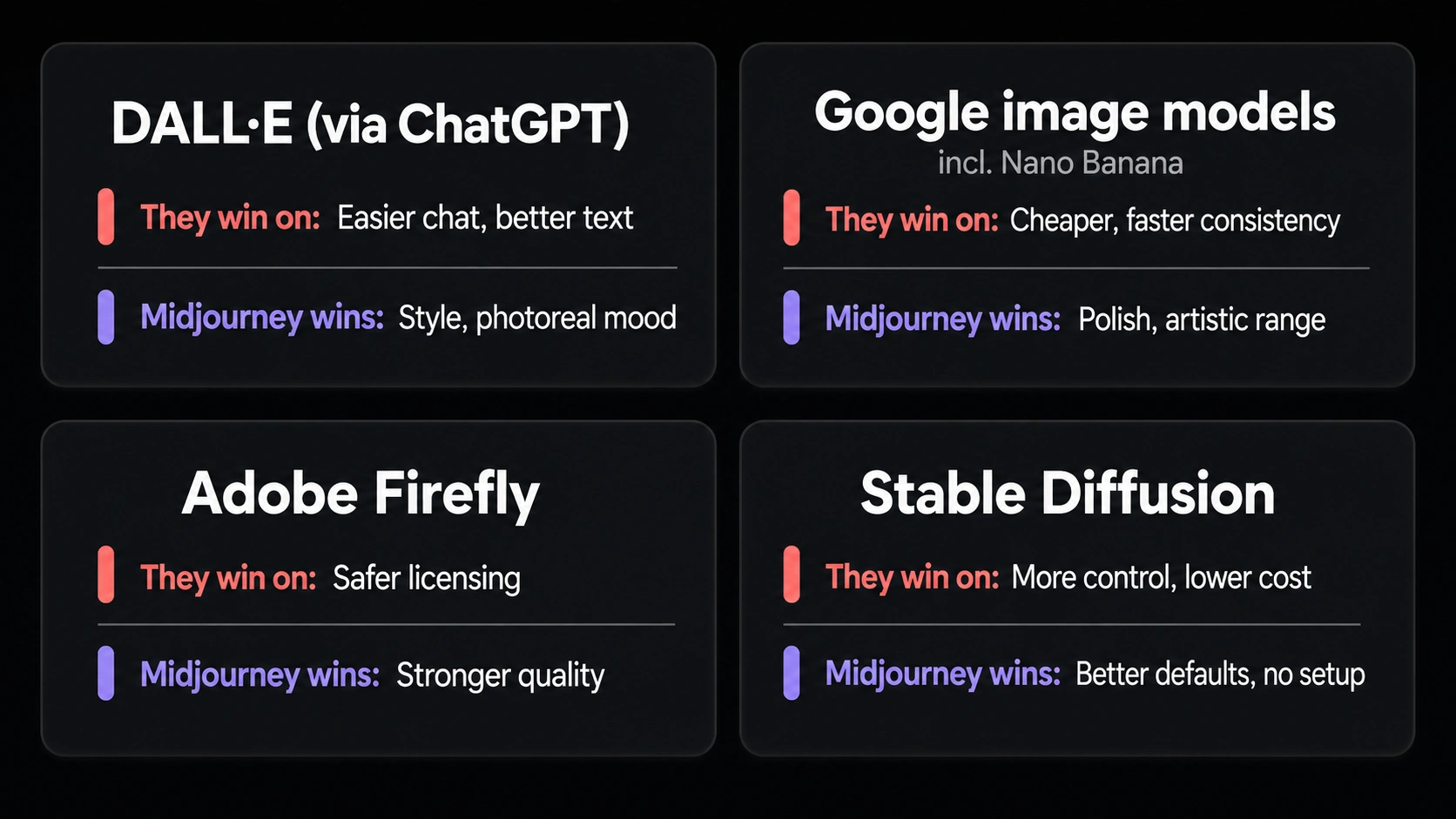
- DALL-E (via ChatGPT):DALL-E is easier to use conversationally and noticeably better at rendering readable text inside images. Midjourney still wins on artistic style and photorealistic mood — DALL-E’s output tends to look more literal and less considered.
- Google’s image models (including “Nano Banana”):These have become the go-to for cheaper, faster character-consistent work, and some reviewers now consider them a better value than Midjourney for that specific use case. Midjourney still has the edge on overall visual polish and artistic range.
- Adobe Firefly:Firefly’s real advantage is commercial safety — it’s trained on licensed content, which matters if you need indemnification for client or ad work. Midjourney doesn’t offer that same guarantee, though its output quality is generally considered stronger.
- Stable Diffusion:Stable Diffusion wins on control and cost if you’re comfortable running it yourself or customizing models. Midjourney wins on out-of-the-box quality without needing any technical setup.
My honest take: Midjourney is still the best pick specifically for stylized, artistic, mood-driven work — concept art, fashion-adjacent visuals, fantasy and cinematic scenes. If your priority is photorealism with legal safety for commercial use, or the cheapest possible character-consistent workflow, one of the alternatives above is probably the better fit.
Midjourney Pricing in 2026: Is It Worth It?
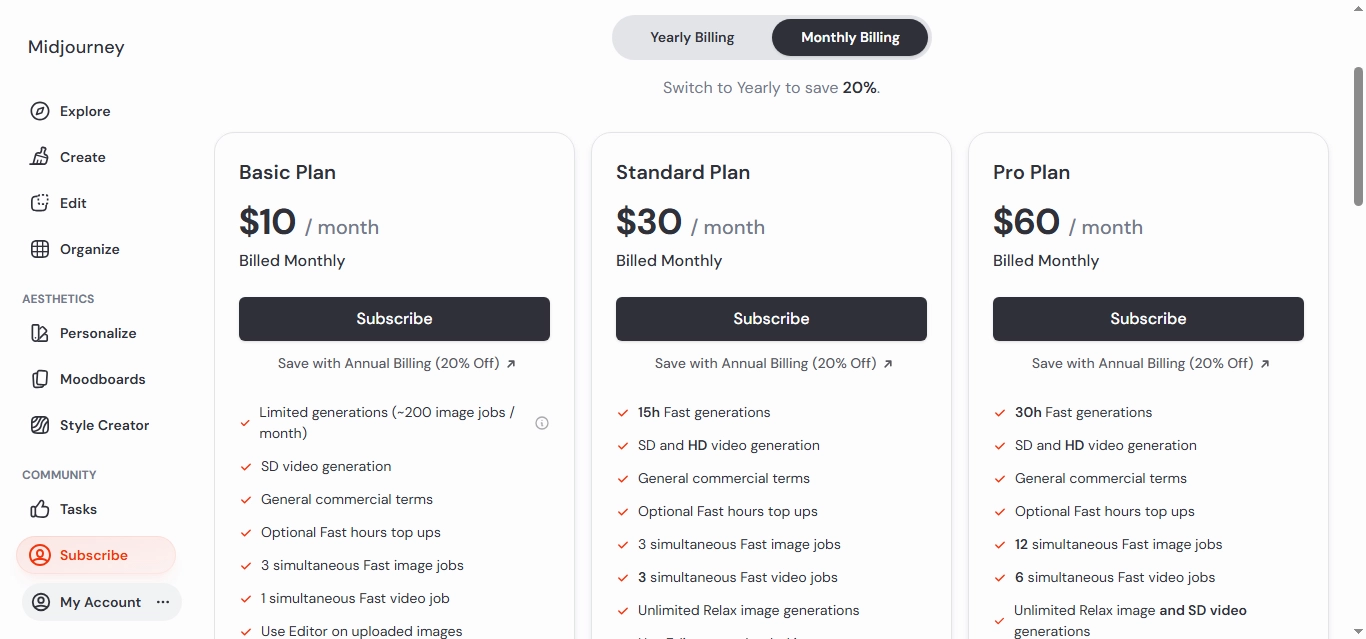
Midjourney’s pricing has stayed unusually stable — the same four tiers I’d expect from a review two years ago are still accurate today:
- Basic— $10/month (or $8/month billed annually)
- Standard— $30/month (or $24/month billed annually)
- Pro— $60/month (or $48/month billed annually), adds Stealth mode for private generations
- Mega— $120/month (or $96/month billed annually), highest usage ceiling
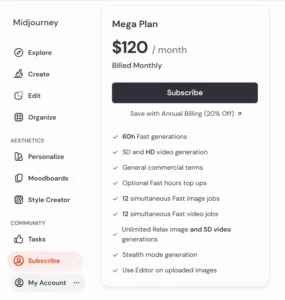
There’s still no permanent free plan — Midjourney dropped that back in 2023 and hasn’t brought it back. The closest you’ll get to trying it for free is the Niji Journey mobile app, which offers a small batch of free generations for new users, or testing similar underlying technology through Meta AI’s free image tools if you just want a sense of what modern AI image generation looks like before paying.
So, is Midjourney worth it? If you’re generating images regularly enough that style and consistency actually matter — for a portfolio, client work, or ongoing content — yes, the $10 Basic plan is a reasonable place to start. If you’d only use it a handful of times, the lack of a free tier makes it a harder sell than tools that let you test first.
Fast Mode vs. Relax Mode: The Pricing Detail Most Reviews Skip
Every plan measures usage in GPU minutes, split between Fast mode (near-instant generation) and Relax mode (unlimited but slower, since you’re waiting for spare server capacity). On the Basic plan, you only get Fast minutes and no Relax mode at all, which means once you burn through your monthly allowance, you’re either buying extra GPU time or waiting for the next billing cycle. Standard and above unlock unlimited Relax generations, which is the real reason most regular users skip past Basic — not the image quality, but running out of fast generations mid-project and being stuck waiting.
Midjourney Pros and Cons
Pros:
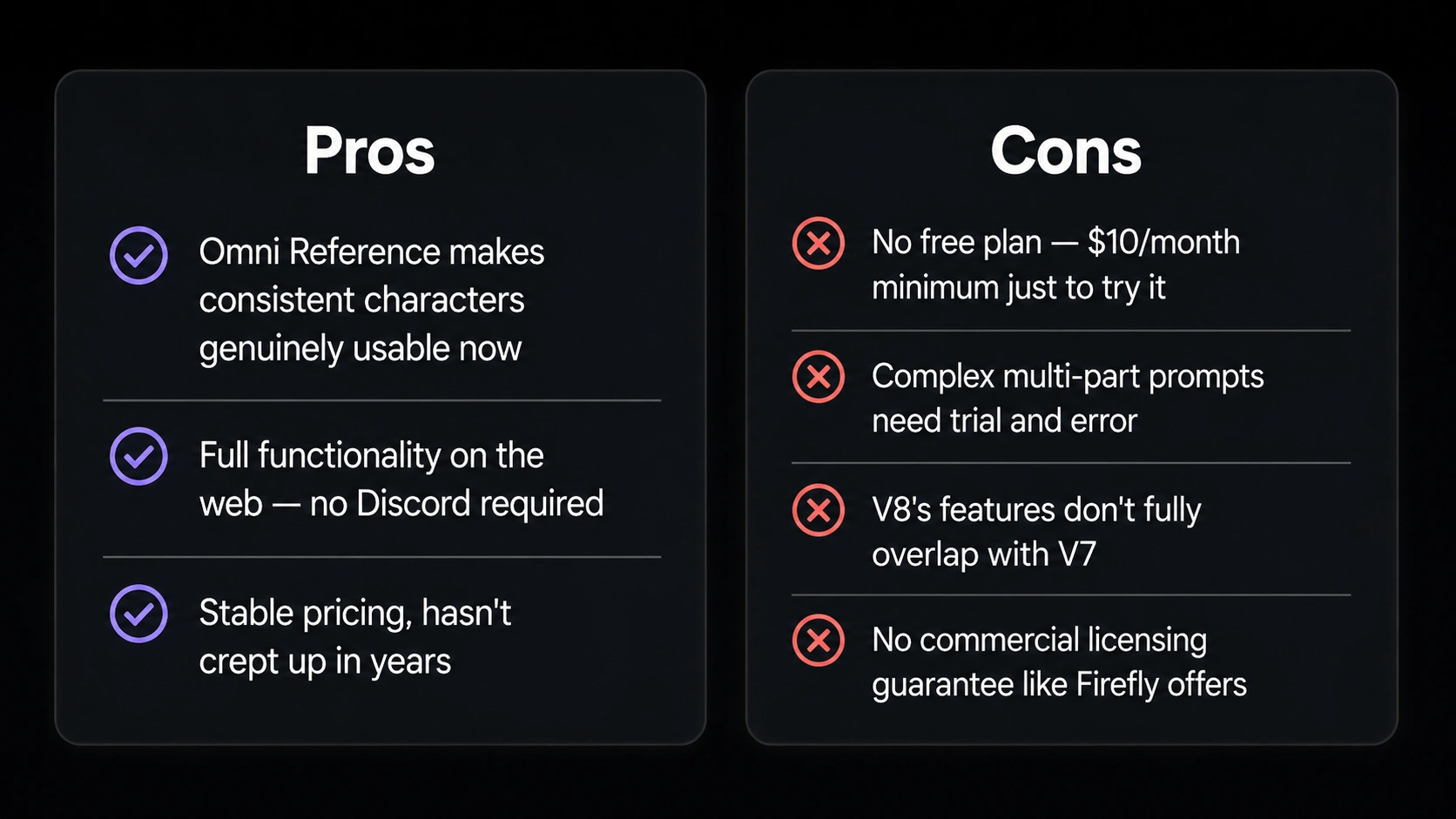
- Still the most distinctive, artistic image quality in the category — it’s rarely mistaken for a generic AI output
- Omni Reference makes consistent characters and objects genuinely usable now, not just a promised feature
- Web interface means you’re no longer required to learn Discord to get full functionality
- Stable pricing that hasn’t crept up over the past couple of years, which is unusual in this space
Cons:
- No free plan, so you’re committing to $10/month minimum just to try it seriously
- Complex, multi-part prompts still require trial and error rather than working reliably on the first attempt
- V8’s newest features don’t fully overlap with V7’s, so upgrading isn’t a clean improvement across the board
- No commercial-use content licensing guarantee like Adobe Firefly offers, which matters for some client work
Who Should (and Shouldn’t) Use Midjourney
Worth it if you:
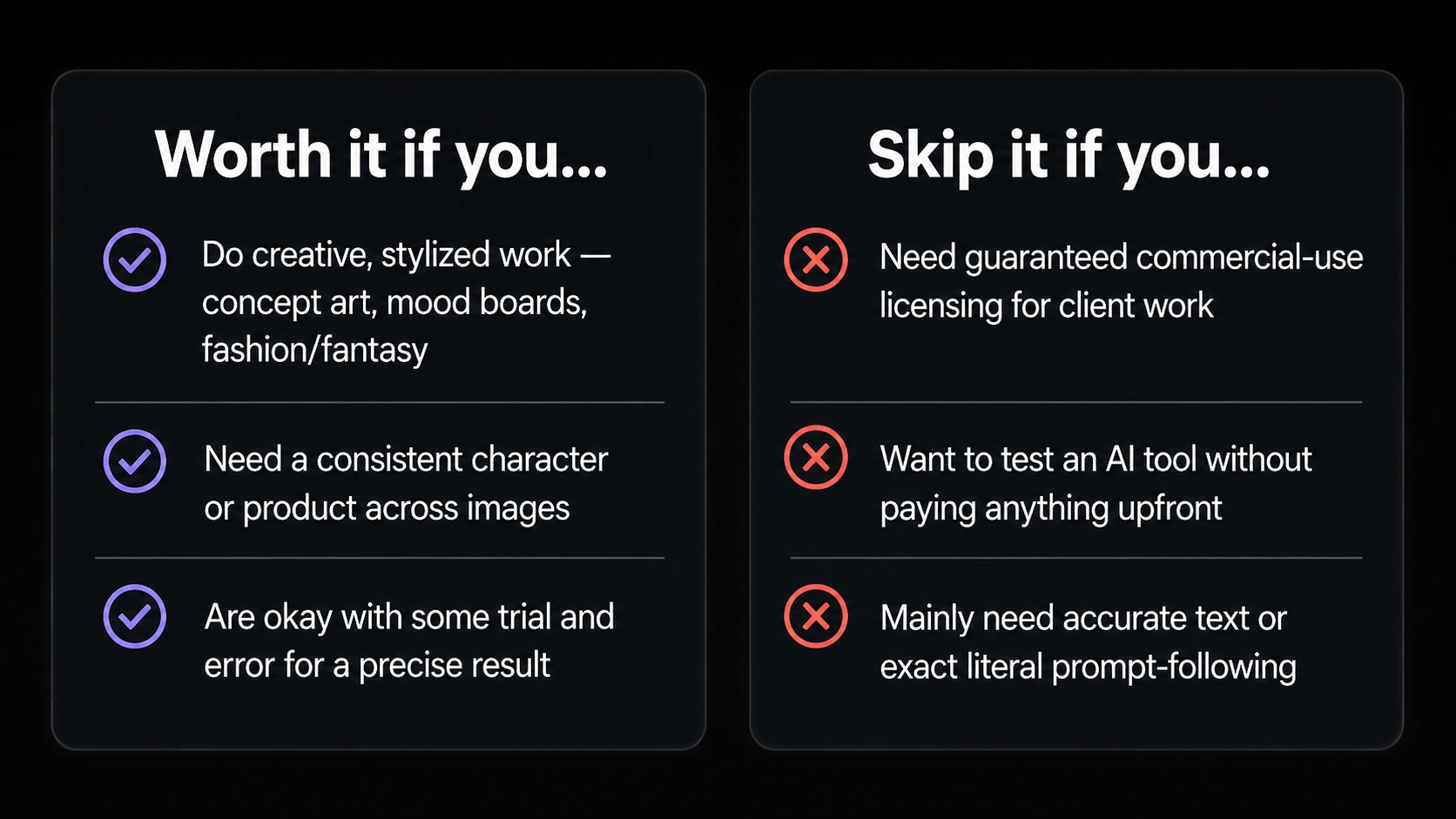
- Do creative, stylized visual work — concept art, mood boards, fashion or fantasy content
- Need a consistent character or product across multiple images
- Are comfortable with some trial and error to get a precise result
Skip it if you:
- Need guaranteed commercial-use licensing for client or advertising work
- Want to test an AI art generator without paying anything upfront
- Mainly need images with accurate embedded text or literal, exact prompt-following
If more than one of those applies to you, it’s worth trying a competitor’s free tier first before spending anything on Midjourney at all.
Frequently Asked Questions
Is Midjourney the best AI art generator? For stylized, artistic, and photorealistic mood-driven images, yes, it’s still widely considered the benchmark. For commercial-safe licensing or the cheapest character-consistent workflow, other tools like Adobe Firefly or Google’s image models may be a better fit depending on your priority.
What is Midjourney AI exactly? It’s a text-to-image AI generator from an independent San Francisco research lab. You describe an image in a prompt, and it returns a set of options in a distinctive artistic style, which you can then refine, upscale, or use as a reference for further generations.
Is Midjourney worth it in 2026? Yes, if you generate images often enough that style and character consistency matter — the $10 Basic plan is a reasonable entry point. If you’d only use it occasionally, the lack of a free tier makes it a harder purchase to justify compared to tools you can try first.
Does Midjourney still require Discord? No. The web app at midjourney.com is now the full, primary interface. Discord is still available if you want to browse the wider community’s generations, but it’s optional, not required.
Is Midjourney good for beginners? It’s usable, but there’s a real learning curve — getting precise results means learning how prompts, parameters, and reference images interact. Expect your first week of outputs to look noticeably rougher than your first month, and don’t judge the tool based on your first ten generations alone.
Final Verdict
Midjourney in 2026 is a better, more accessible product than most existing reviews give it credit for — the web app alone removes the biggest historical complaint about it. It’s still not for everyone: no free plan, some real prompt-following limitations, and a genuine trade-off between its two current model versions. But for anyone doing serious stylized visual work, it remains one of the strongest tools available, and that hasn’t really changed even as everything around it has.
The honest way to think about it: Midjourney isn’t trying to be the easiest or cheapest AI art generator, and it isn’t trying to be the safest choice for commercial licensing either. It’s trying to be the one with the best taste, and for a lot of creative work, that’s still the thing that actually matters most.
If you’re on the fence, start with the $10 Basic plan for a month, run it against a real project instead of test prompts, and decide from there whether the style is worth the subscription.
Tried Midjourney for a specific project? [Insert your preferred CTA here — comments, email reply, or a link to your own AI art tools comparison.]