11 Best Free AI Tools in 2026 That Actually Replace Paid Software (No Credit Card Needed)
Every few months I go through the same ritual. I sign up for another “revolutionary” AI tool. I use it twice. Then I quietly forget it exists.
If you’ve done the same thing, you already know the real problem. It isn’t a lack of options. Most tools dress up a $20 upsell as a “free trial” and call it a day.
So a few months ago I stopped trusting the marketing pages. I just started tracking, in a plain spreadsheet, which free AI tools I actually opened more than once a week. No sponsored placements. No affiliate incentives pushing me toward one tool over another. Just what stuck.
Twelve tools made the cut. Not fifty. Not “40 tools you need to try.” Twelve that I can point to and say, honestly, “this replaced something I used to pay for.”
In this guide, I’ll walk through each one. I’ll cover what it’s actually good for, where the free plan runs out, and who should upgrade versus who never needs to. I’ll also flag which ones are worth it if you’re a student, a writer, a coder, or someone who just wants to get through your inbox faster.
How I Actually Tested These (and Why Most “Best AI Tools” Lists Are Useless)
Before the list, a quick word on method. I think it matters more than the tools themselves.
Most “best free AI tools” roundups get written by skimming pricing pages. I didn’t do that. I used each tool inside real work. That meant writing this exact article, managing a client project, and helping my nephew with a college research assignment over several weeks. Here’s what I actually weighed:

- Is the free tier a real product, or a seven-day trial wearing a “free” label? A lot of tools technically have a “free plan.” It’s really just a countdown timer.
- Does it solve something end-to-end, or does it dump you into a paywall the moment you get useful results?
- How often did I open it again after the first session, without being reminded to?
- Would a beginner get value on day one, without a tutorial?
If a tool failed more than one of those, it didn’t make the list. That’s true no matter how good the demo video looked. It’s also why you won’t see some tools you’d expect here, and why you will see a couple you might not have heard of.
One more honest note. Free AI tools change their limits constantly. Companies quietly tighten daily caps, add ads, or move a feature behind a paywall without much announcement. I’ve tried to flag where a free plan feels genuinely permanent versus where it feels like it’s on borrowed time. Always double-check the current pricing page before you build a workflow around any single tool.
Best Free AI Tools for Writing and Research
Claude (Free Plan)
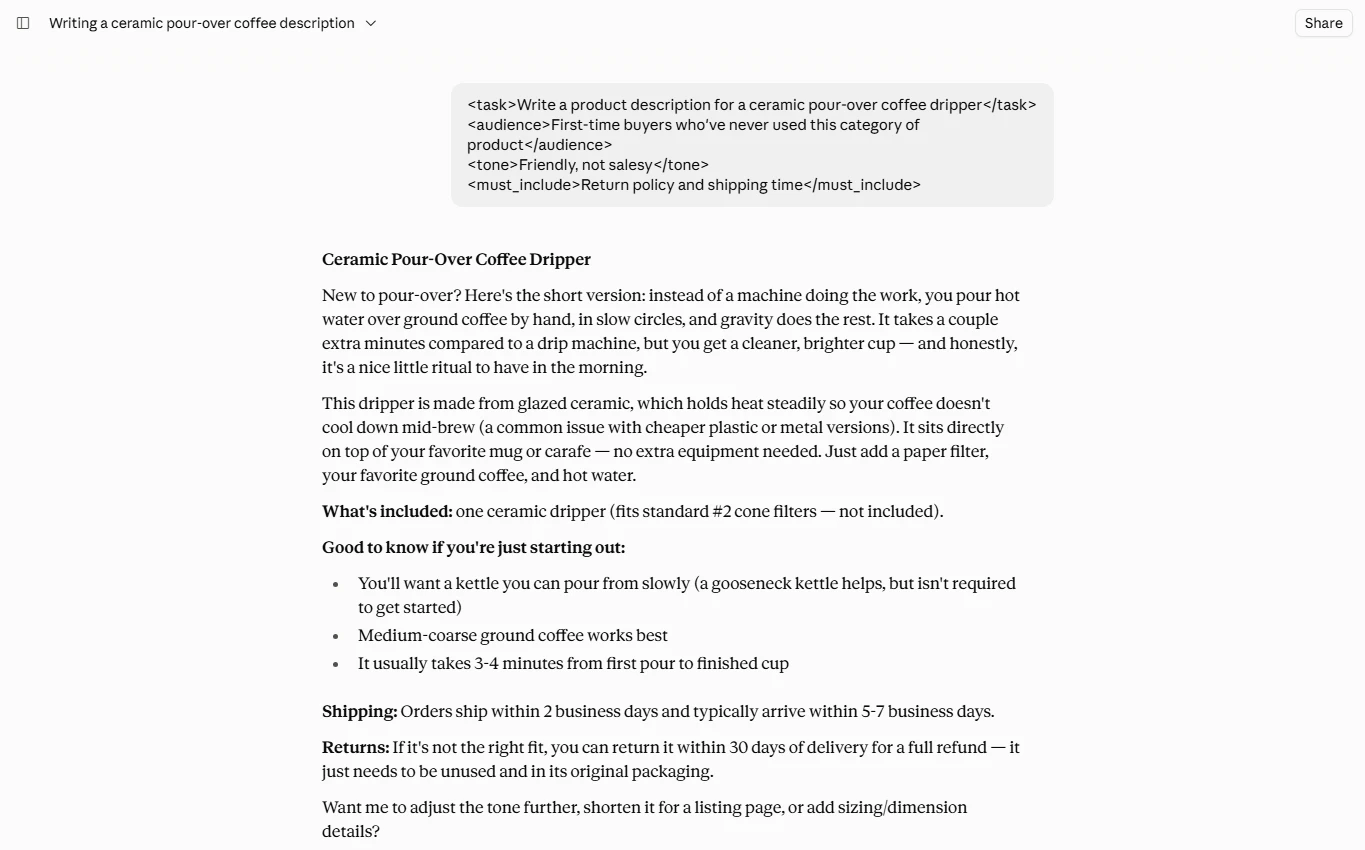
If I had to recommend exactly one free AI chatbot to a friend, it would be Claude. The free plan gets you Claude Sonnet. In my experience, it writes in a way that doesn’t need three rounds of editing to stop sounding like a robot wrote it. I use it for outlining articles and tightening awkward paragraphs. Mostly, I use it because it actually follows multi-part instructions without losing the thread halfway through.
The free tier also includes web search, basic memory across chats, and simple file creation. A couple of years ago, those were things you’d only get on a paid plan. The tradeoff is usage limits. Once you hit your message cap, you’re waiting for it to reset. For a student writing essays or a freelancer drafting emails, that’s rarely a problem. If you’re running it as your daily work tool, you’ll bump into the ceiling.
Best for: long-form writing, editing, research synthesis, and anyone who wants an AI that doesn’t sound like it’s trying too hard.
NotebookLM (Now Gemini Notebook)
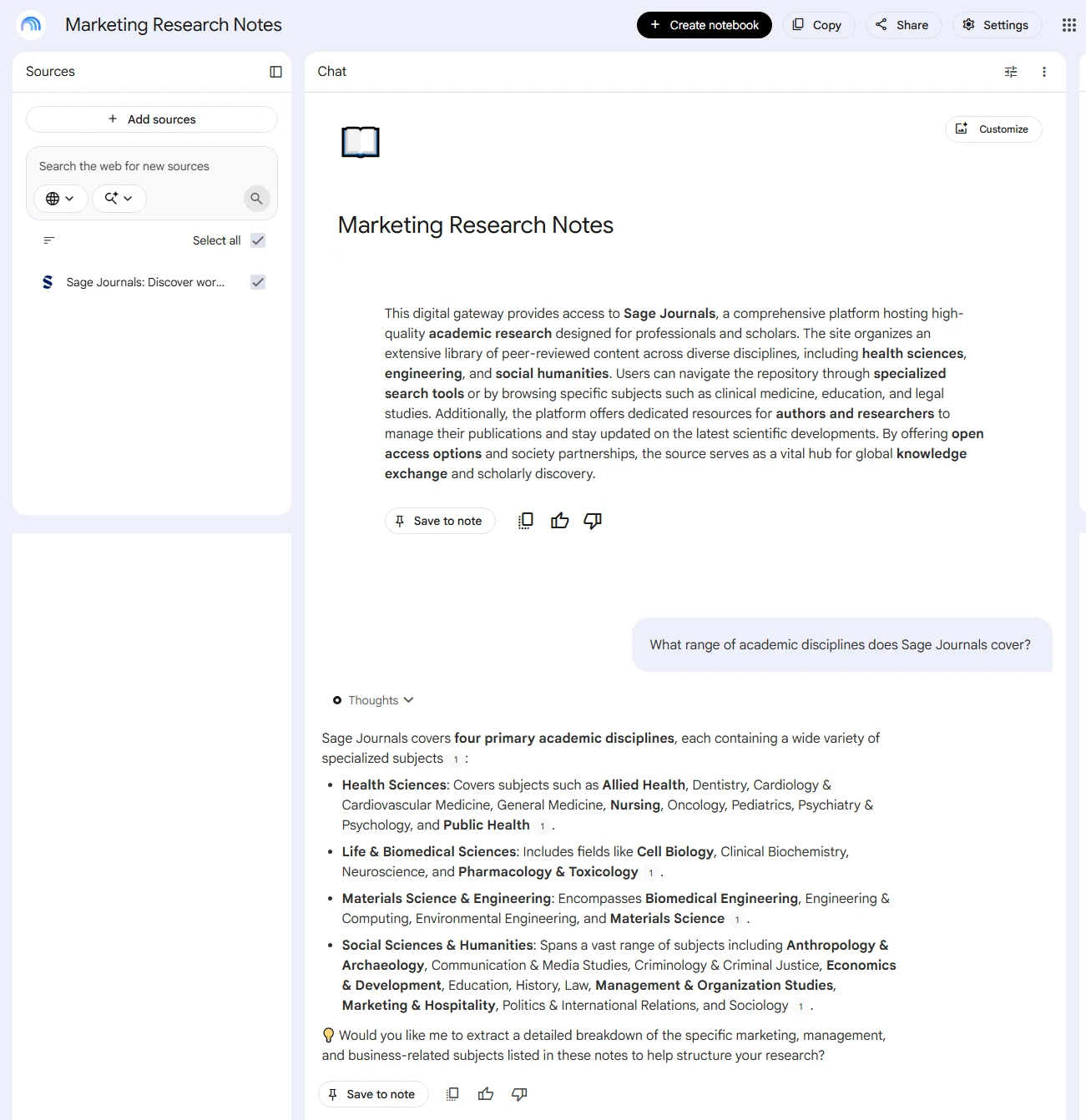
This one surprised me. NotebookLM only works with sources you feed it. Think your own PDFs, Google Docs, or pasted notes, not the open internet. That means it almost never makes things up. I uploaded a stack of research papers for my nephew’s assignment and asked it to build a study guide. It stuck strictly to what was in those documents.
The free plan is genuinely generous. You get 100 notebooks, up to 50 sources per notebook, and 50 chat questions a day. It also includes the audio and video “overview” features that turn a dense document into something closer to a podcast episode. Are you a student cramming for finals, or someone drowning in PDFs for a work project? This is one of the most underrated free AI tools going right now.
Best for: students, researchers, and anyone who needs an AI that only answers from their own material instead of guessing.
Perplexity (Free Plan)
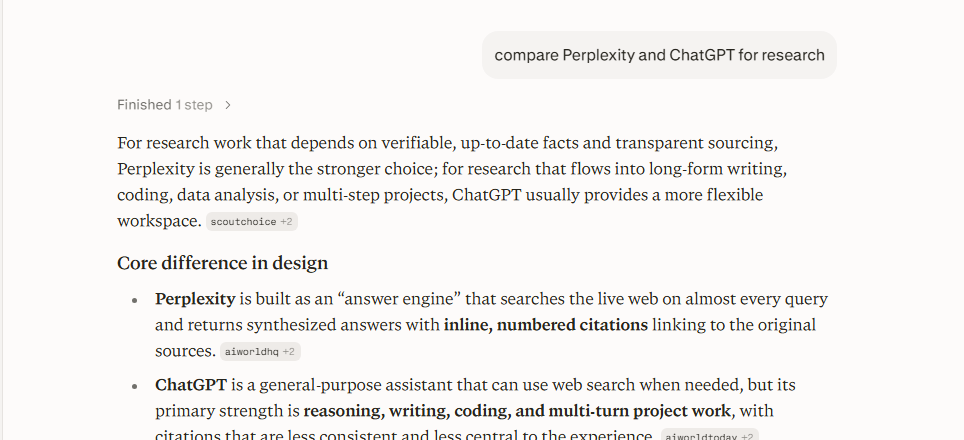
Sometimes I need an actual answer with a source attached, not a confident-sounding paragraph I then have to fact-check myself. When that happens, I reach for Perplexity over a standard chatbot. It searches the live web and cites where it got its information. The free plan covers a reasonable number of searches per day without asking for a card.
Where it’s weaker: it can lean on lower-quality forum sources for certain queries. The free tier also locks you out of choosing which underlying model answers your question. But as a research starting point, it’s excellent. I use it for comparing product reviews, checking a recent statistic, or getting oriented on an unfamiliar topic fast. It’s one of the tools I open almost daily.
Best for: quick, sourced research and fact-checking before you commit to writing something.
Grammarly (Free Plan)
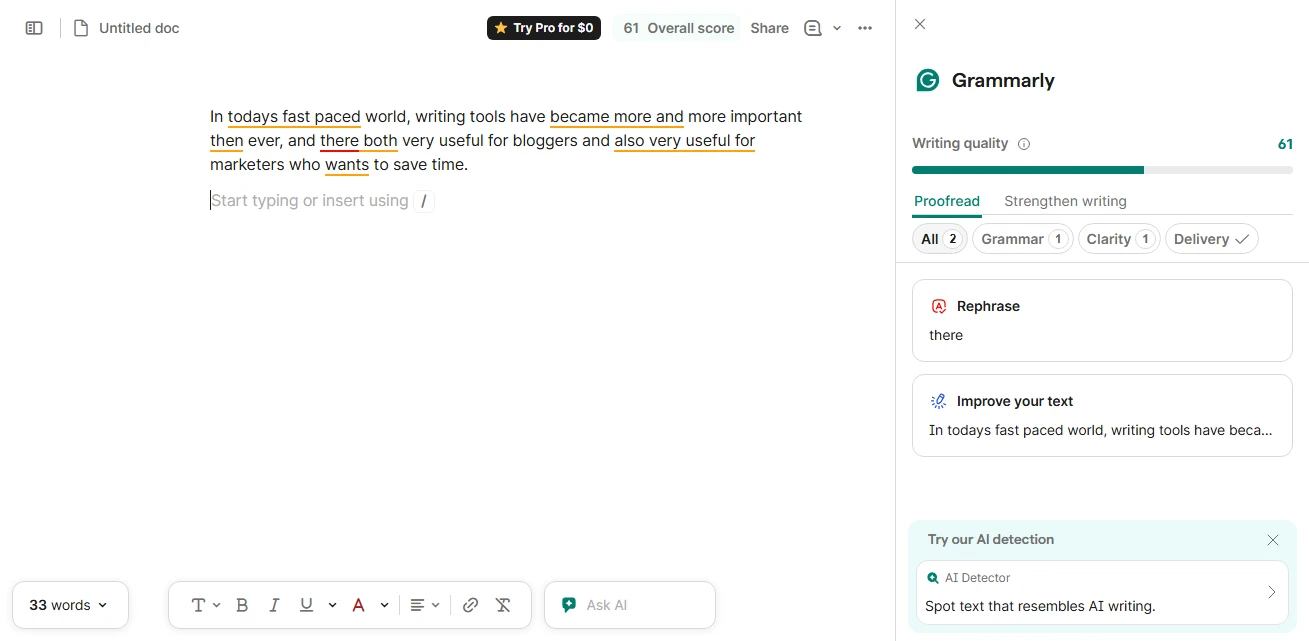
Grammarly doesn’t get much credit in “AI tools” conversations anymore. It’s been around so long that people forget it counts. But its free plan is still one of the most reliable, no-friction writing aids out there. It catches grammar and clarity issues in real time inside Gmail, Google Docs, and most places you type. The free tier is enough for basic proofreading without ever needing an upgrade.
Are you a student, an ESL speaker, or someone who writes a lot of client emails? It’s worth having installed. That’s true even if Claude or ChatGPT is doing your heavier drafting.
Best for: everyday grammar, tone, and clarity checks without leaving the app you’re already writing in.
Best Free AI Tools for Coding
GitHub Copilot (Free Plan)
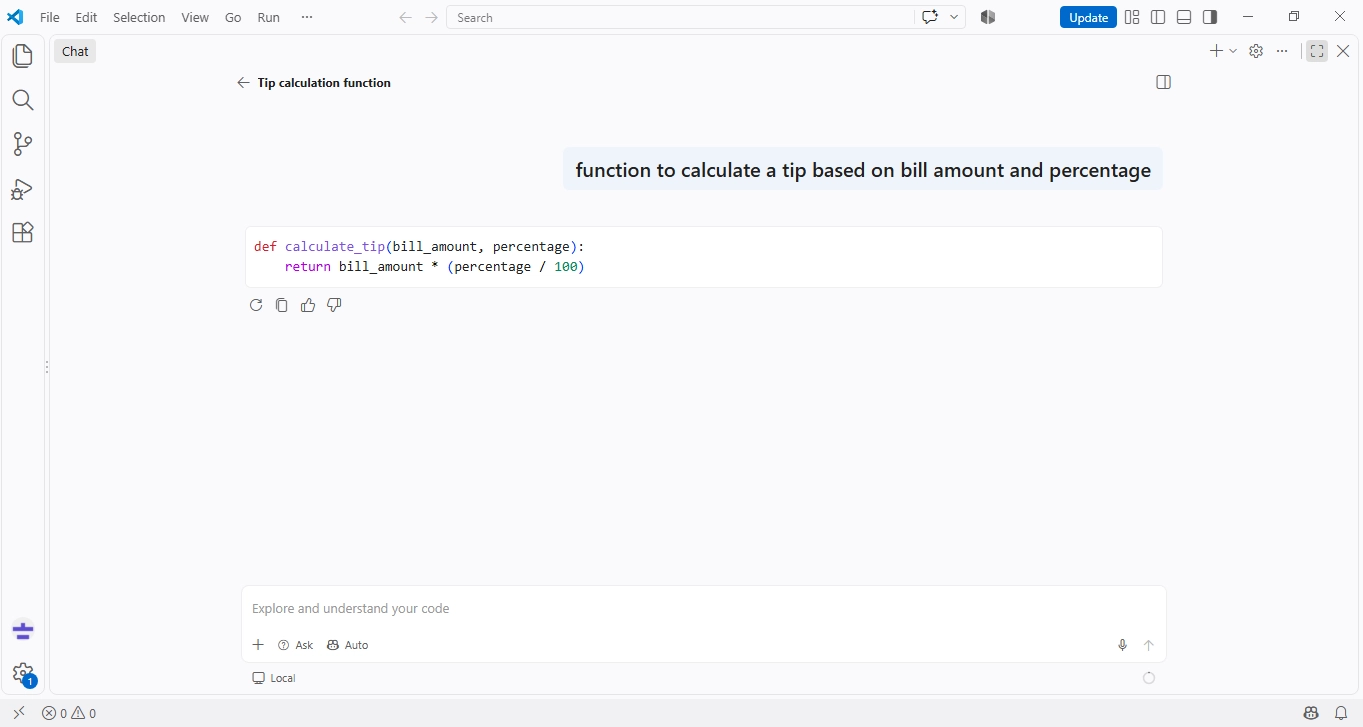
Copilot’s pricing has shifted a fair bit this year. Still, the free plan is worth knowing about if you’re learning to code or only write scripts occasionally. As of now, the free tier includes a monthly allowance of code completions and a smaller number of chat requests. It also includes basic agent mode support in editors like VS Code.
It’s not enough for someone shipping production code every day. You’ll hit the ceiling fast if that’s you. But for a student working through coursework, or someone automating small personal scripts, it’s a legitimate way to get AI-assisted coding without paying anything.
Best for: students and hobbyist coders who want inline suggestions without committing to a subscription.
Google AI Studio
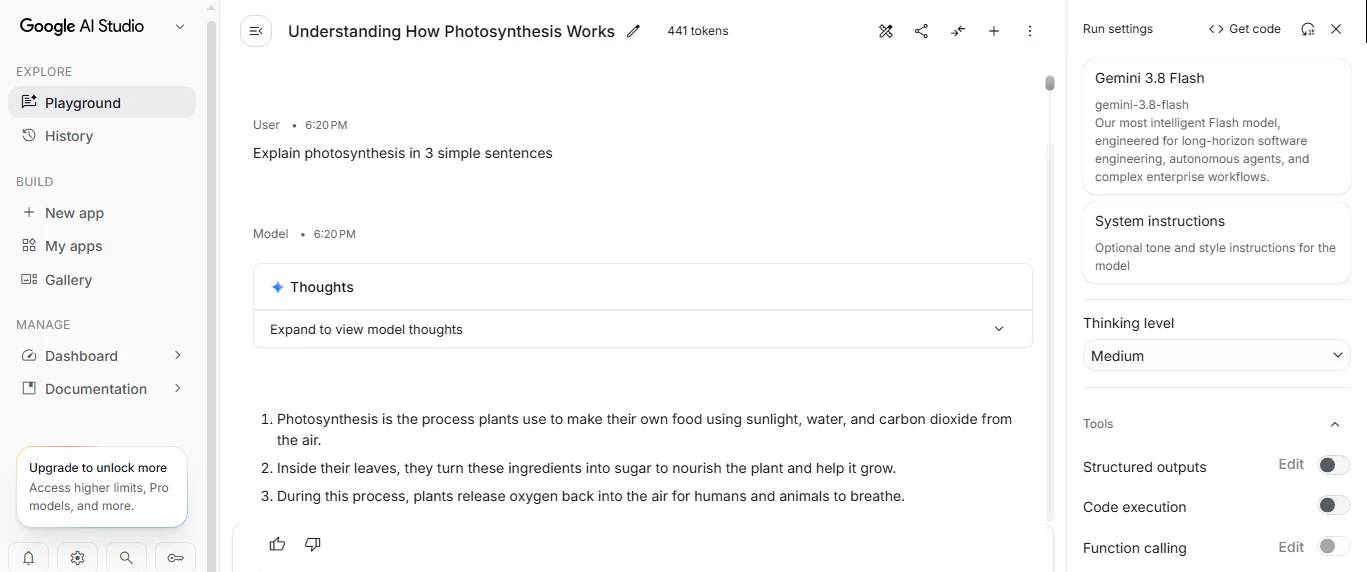
This one flies under the radar compared to Copilot or Cursor. It deserves more attention than it gets. Google AI Studio is a free, browser-based environment where you can test prompts against Google’s Gemini models. You can generate images and speech, and even build small working apps. All of it is free, with no complex setup code.
I use it mainly for prototyping. I test whether an idea for an automation actually works before I build it properly somewhere else. Are you a developer who wants to experiment with the latest model capabilities without committing to an API bill? This is the fastest way to poke around.
Best for: developers prototyping ideas or testing prompts before building something real.
Best Free AI Tools for Productivity and Automation
Zapier (Free Plan)
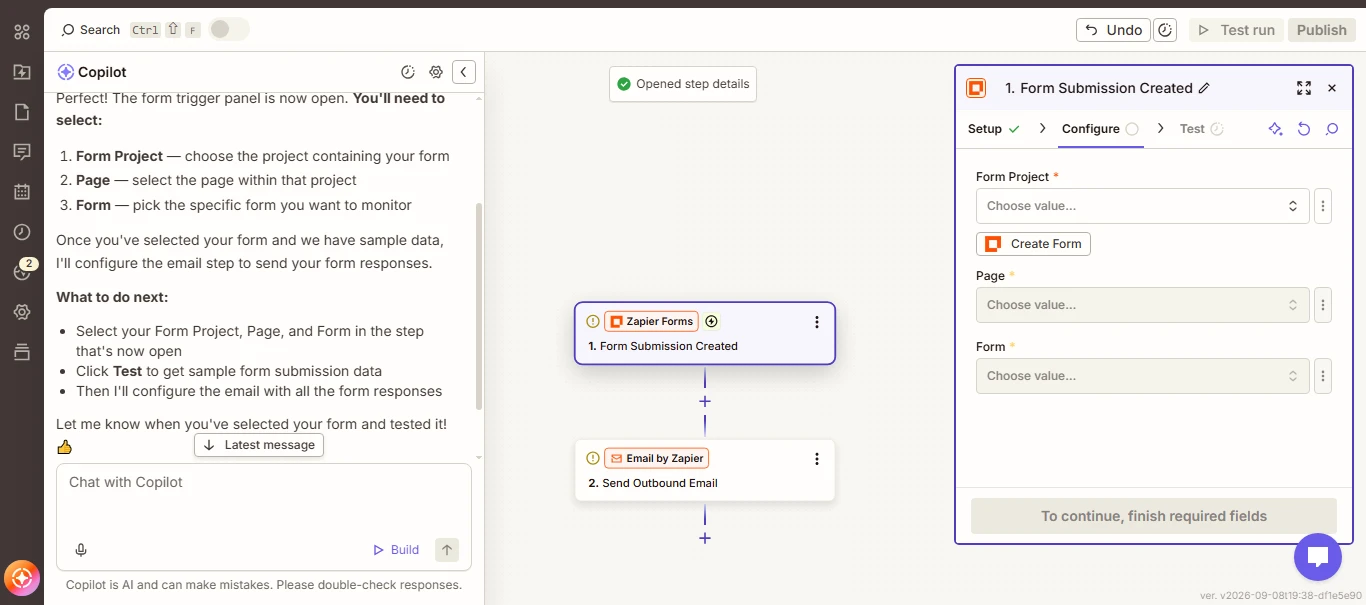
Zapier’s free plan is limited, but it’s genuinely permanent, no card required and no expiration date. You get 100 tasks a month, unlimited Zaps, Tables, and Forms, plus access to Zapier’s AI Copilot for building automations and free versions of Zapier Agents and Chatbots. The catch is that free-plan Zaps are capped at two steps, one trigger and one action, so you can’t chain a long multi-step AI workflow the way you could on a paid plan.
For a single, low-volume automation, like a form submission triggering an AI summary email, it’s genuinely enough. If you need multiple steps chained together, you’ll hit the wall fast and need to upgrade.
Best for: one simple, low-volume automation you want to set and forget, without ever paying for it.
Gamma (Free Plan)
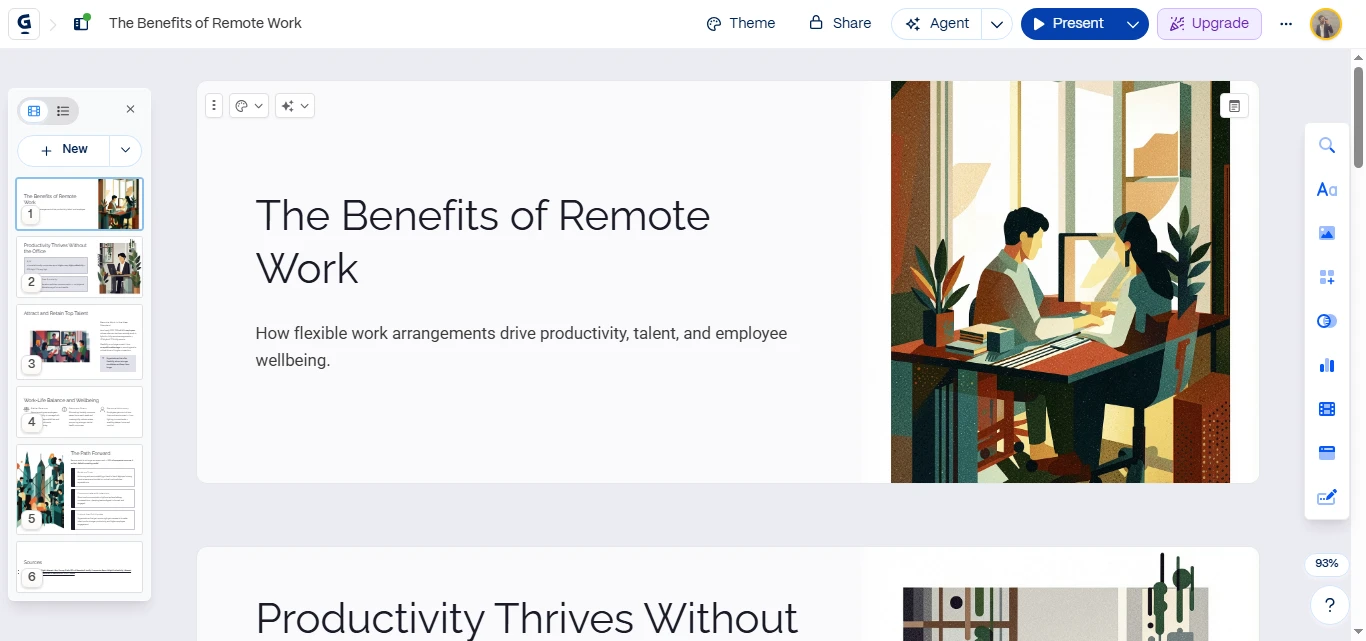
Gamma turns a rough outline or a single prompt into a full presentation, document, or one-page website in under a minute. The free plan gives you a starting credit allowance that’s enough to build a handful of real presentations. I’ve used it for a couple of client proposals and a pitch deck without ever running out.
It’s not going to replace a professional designer for a high-stakes investor deck. But for internal presentations, class projects, or a quick proposal you need to send by end of day, it saves real time.
Best for: anyone who needs a decent-looking presentation or document fast and doesn’t have design software.
Canva (Free Plan with Magic Studio)
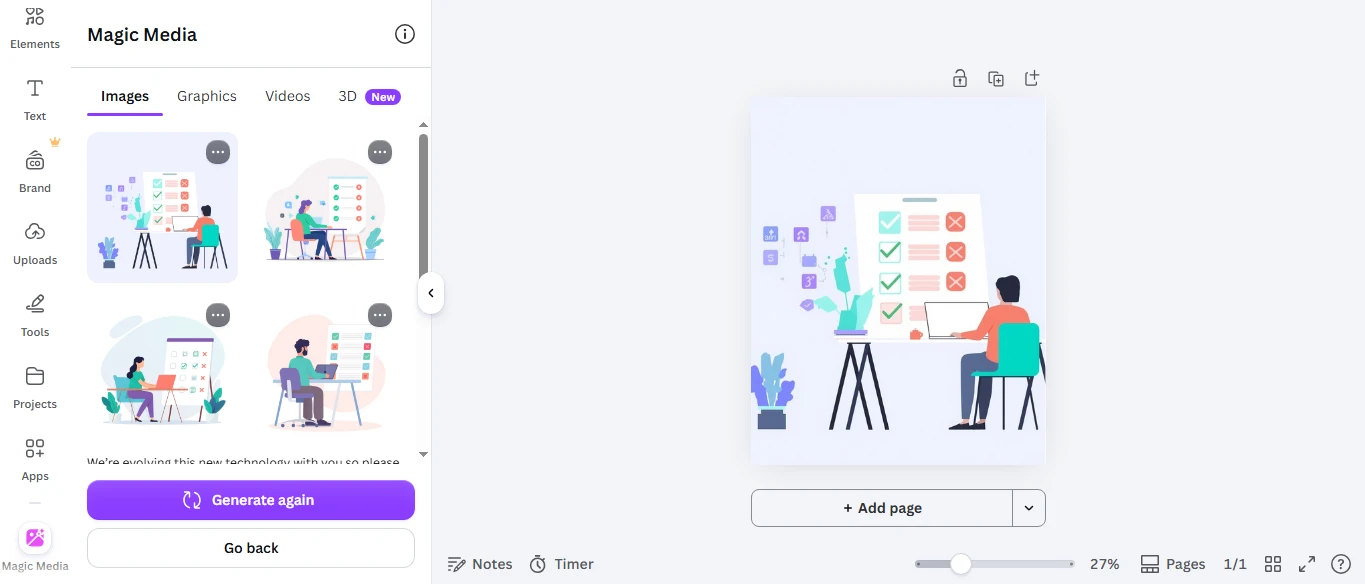
Canva’s free plan now includes a limited but genuinely usable slice of its AI suite, called Magic Studio. Think AI-generated layouts, a background remover on some plans, and basic AI writing help built into the design canvas. You won’t get unlimited image generations the way you would on Canva Pro. Still, the free allowance is enough to design social posts, flyers, or a simple resume without touching Photoshop.
Do you already use Canva for design work? The free AI features are a nice bonus. They’re not really a reason to switch tools on their own.
Best for: non-designers who need quick, decent-looking graphics for social media or basic marketing materials.
Best Free AI Tools for Image and Content Creation
Google Labs
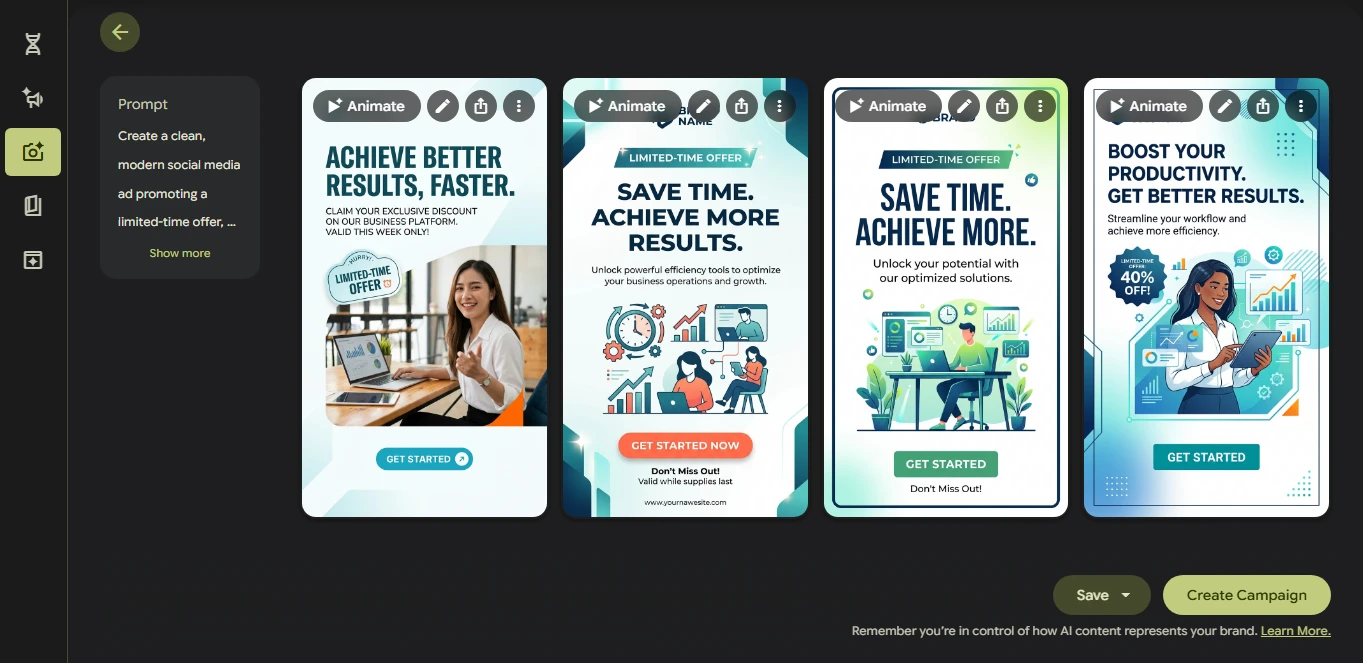
Google Labs is less a single tool and more a hub of free experimental AI products. I genuinely think it’s one of the best-kept secrets in this whole space. Inside it, you’ll find Pomelli, which builds on-brand ad creative by analyzing your website’s design system. You’ll also find Mixboard, a visual brainstorming board that feels a bit like Pinterest crossed with an AI assistant.
Because these are labeled “experimental,” features do occasionally get pulled or changed without warning. I wouldn’t build a business-critical workflow entirely around one Labs tool. But for testing what’s coming next in AI, completely free, it’s hard to beat.
Best for: small business owners who want on-brand marketing visuals, and anyone curious about upcoming AI capabilities before they go mainstream.
HuggingChat / Hugging Face Spaces
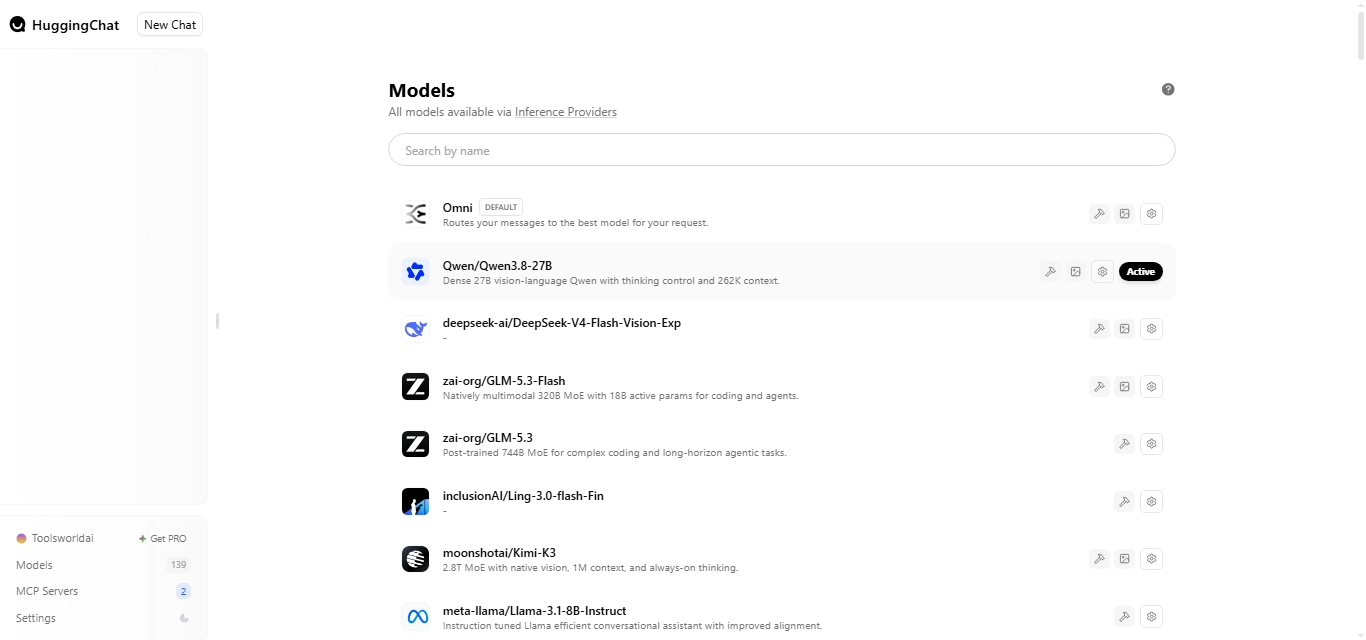
Do you care about which AI model you’re actually using? Or do you want to try open-source alternatives to the big commercial chatbots? Hugging Face is where that lives. HuggingChat lets you run several different open-weight models for free. Spaces hosts thousands of community-built AI apps you can try without signing up for yet another platform.
It’s less polished than Claude or ChatGPT, and the quality varies a lot between models. But for developers or anyone curious about open-source AI, it’s the most transparent free option out there.
Best for: developers and privacy-conscious users who want to try open-source AI models directly.
Free vs. Paid: When You Should Actually Upgrade
Here’s the honest answer to the question everyone eventually asks: at what point does “free” stop making sense?
In my experience, three signals tell you it’s time to consider paying:
- You hit the same usage cap more than twice a week. If you’re regularly waiting for a daily limit to reset, you’re already losing more time than a $10–20/month plan would cost you.
- You need a feature the free plan blocks entirely, not just limits. Think background removal in Canva, higher-resolution image generation, or unlimited Copilot completions.
- You’re using the tool for client or business work, where the output directly earns you money. At that point, the subscription is a business expense, not a personal cost.
Do none of those apply to you yet? Stay on the free plans. Most of the tools above are designed to be genuinely usable indefinitely, not just a funnel toward checkout.
Frequently Asked Questions
What is the best free AI tool overall?
For most people, Claude’s free plan is the best all-around starting point. It handles writing, research, and everyday questions well without a steep learning curve. If your main need is research from your own documents rather than general chat, NotebookLM is the stronger pick.
Are free AI tools actually free, or is there a catch?
Most “free” AI tools work on a freemium model. The core product stays free indefinitely, but usage is capped, whether by daily messages, monthly credits, or resolution limits, and advanced features get reserved for paid tiers. A genuinely useful free plan should let you complete real tasks without hitting a paywall constantly.
Can I use free AI tools for schoolwork or a business without paying?
Yes, for most of the tools on this list. NotebookLM, Claude, Perplexity, and Google AI Studio all have free tiers that work for real academic or small-business use, not just demos. Just be mindful of your school or employer’s policy on AI-assisted work, since that’s separate from what the tool itself allows.
What’s the best free AI tool for students specifically?
NotebookLM is the strongest pick for turning lecture notes, textbook PDFs, and research papers into study guides, quizzes, and summaries. Pair it with Claude or Grammarly for actually writing essays and papers. Add Perplexity when you need a quick, sourced answer for a research question.
Do free AI tools show ads or use my data to train their models?
It varies by company and changes often. Some platforms have started showing ads on free-tier answers. Others use free-tier conversations to help train future models unless you opt out in settings. If that matters to you, look specifically for an option to disable model training on your data.
Final Thoughts
The honest takeaway after months of testing: you don’t need to spend a dollar to get real value from AI in 2026. The twelve tools above cover writing, research, coding, design, and automation. Every one of them has a free tier I’d actually recommend to a friend without a disclaimer attached.
Start with whichever problem is costing you the most time right now, whether that’s writing, research, or repetitive manual work. Pick one tool from that category rather than trying all twelve at once. Want a deeper dive into any single category? Our guides on the best free AI writing tools and best free AI tools for students break down more niche options we didn’t have room for here.