ChatGPT Review 2026: Is It Worth It? Features, Pricing, Pros & Cons

My rating: 4.7/5: for Writing, research, coding, studying, file analysis, brainstorming, content creation and everyday productivity.
I’ve been putting off writing this ChatGPT review for a while, mostly because ChatGPT keeps changing before I finish testing it.
A year ago this was simple. You typed a question into a box. It answered. That was basically it.
Not anymore.
Right now ChatGPT can browse the web, dig through a PDF you upload, make an image, rewrite that image, write code, explain code, do research across multiple sources, and talk back to you out loud if you’d rather not type. It’s stopped being a chatbot in the old sense. It’s closer to a workspace.
So the real question behind this ChatGPT review isn’t “can it write a decent paragraph.” Everyone already knows it can. The question is whether it’s actually worth using or paying for ,in 2026.
I run an AI-focused site, so I’m in ChatGPT most days for research, outlines, and general grunt work. What’s kept me using it isn’t that it’s the single best tool at any one thing. It’s that I don’t have to leave the tab to do five different tasks.
That said, I’m not going to pretend it’s perfect. It still says wrong things with total confidence. The pricing tiers have gotten more confusing, not less. And no plan, not even the expensive one, excuses you from double-checking anything that actually matters.
With that out of the way, here’s what I actually think after using it.
What Is ChatGPT. How Does It Work?
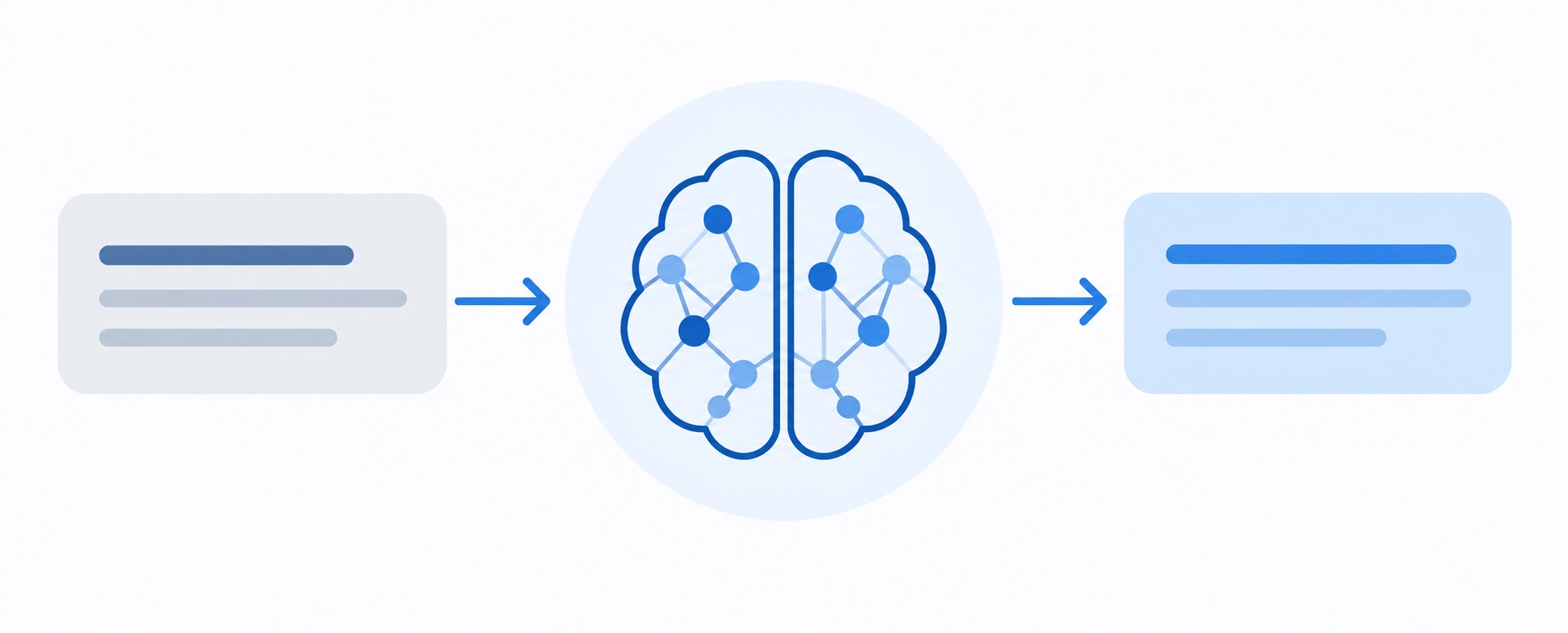
ChatGPT is an AI assistant created by OpenAI. It uses language models or LLMs to understand natural-language instructions and generate responses based on the context of your conversation.
OpenAI describes ChatGPT as an assistant designed to help people think, write and solve problems using language.
In terms, you give ChatGPT an instruction or a prompt and it predicts and generates a useful response based on patterns learned during model training plus any information available through tools you allow it to use.
That distinction matters.
A standard AI response is not the thing as retrieving a guaranteed fact from a database. ChatGPT can reason over information. Produce remarkably useful answers but it can also make mistakes. When web search, uploaded documents or research tools are available it can ground answers in sources, which makes verification easier.
GPT-5.6 in This ChatGPT Review: What Model Powers ChatGPT Now?
The model situation has changed significantly since the GPT-4 era.
As of September 2026 OpenAI is rolling out GPT-5.6 across ChatGPT. Go users receive GPT-5.6 Luna while eligible paid users can access GPT-5.6 Sol with reasoning options. Higher-tier plans can also access -level models, including GPT-5.6 Sol Pro and on eligible plans GPT-6 astra.
For me the practical improvement matters more than the model number. Everyday prompts are fast while difficult research, coding or planning tasks can use reasoning when needed.
That makes ChatGPT feel like a collection of separate models you constantly need to manage and more like one assistant that can scale its effort depending on the job.
ChatGPT Review: Features I Actually Find Useful
The strongest part of ChatGPT in 2026 is the range of tasks I can move through without changing tools.
Writing and Content Creation
ChatGPT remains one of my useful AI writing assistants but I would not recommend treating it as a one-click article generator.
I get results when I use it as a collaborator.
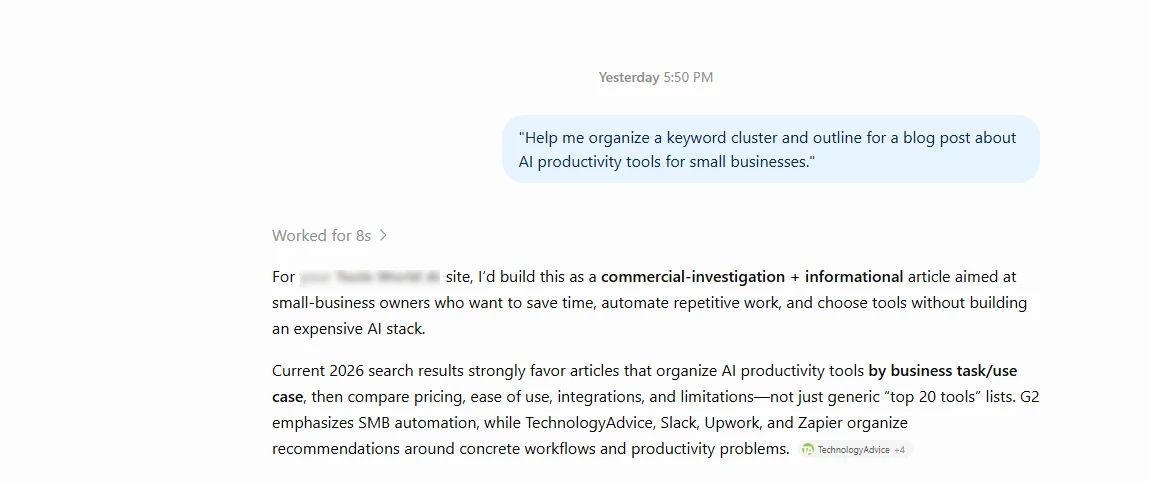
For an AI tools website for example I can use ChatGPT to organize a keyword cluster identify questions readers are likely to have improve an outline rewrite a section create comparison-table ideas and generate image briefs.
What I would not do is ask it to produce an article about a changing AI product and publish the output without checking it.
That workflow is especially important for ChatGPT for SEO. It is useful for content planning and analysis. Seo still requires search-intent judgment first-hand experience original examples and factual verification.
Web Search and Deep Research
This is one of the areas where ChatGPT has improved most.
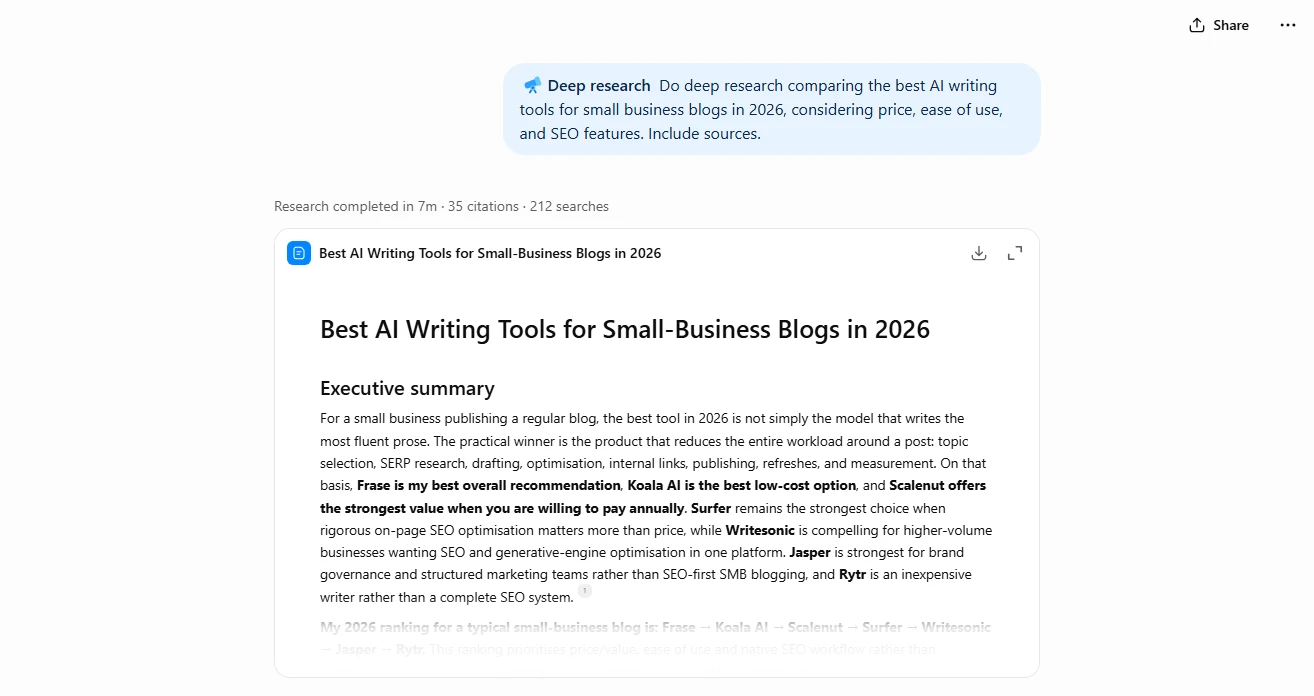
For a current question web search can bring outside information into the conversation. For a complicated task Deep Research can investigate multiple sources and create a structured report with citations or source links. OpenAI describes the feature as being designed for -step research, comparison and synthesis.
I find this more useful than asking an ungrounded chatbot to “tell me everything about X.”
For example instead of asking:
What is the best AI writing tool?
I can specify the audience, budget, use cases, comparison criteria and sources I want considered. The resulting research is usually more actionable.
File Uploads and Data Analysis
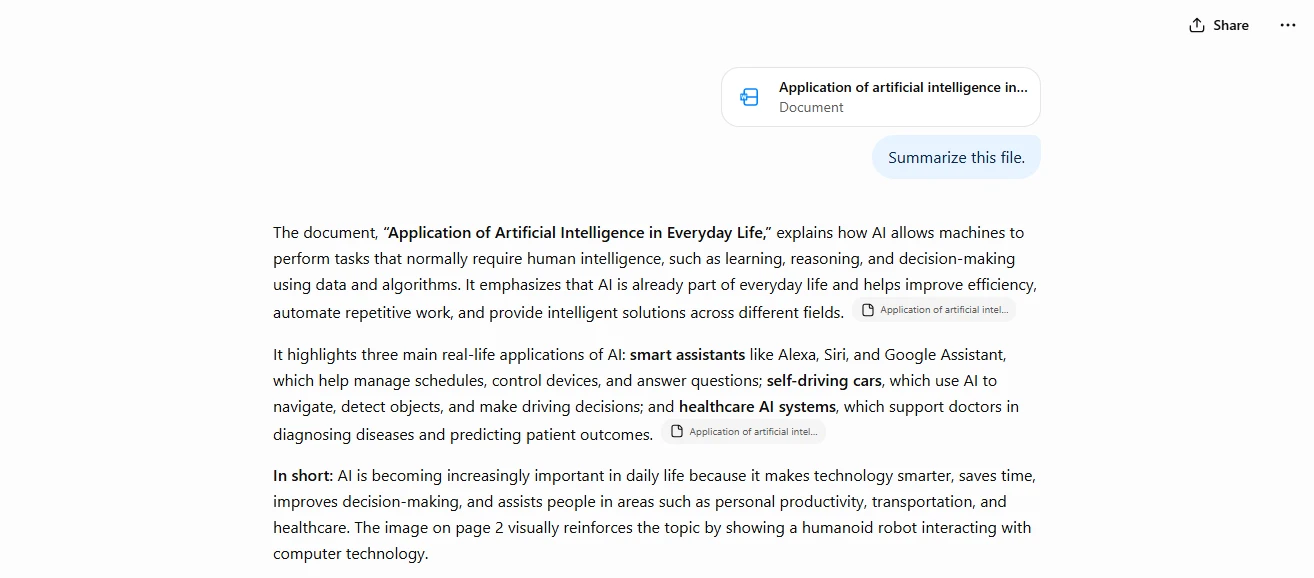
Uploading a document is one of those features that does not sound revolutionary until you start using it
ChatGPT can work with PDFs, presentations and other documents allowing you to ask questions about the contents summarize sections or extract information. It can also analyze screenshots, images, diagrams and charts.
I find this useful when a document is too long to scan manually. I know exactly what information I need from it.
The catch is simple: always compare conclusions with the original document. A polished summary can still omit context.
Image Creation and Editing
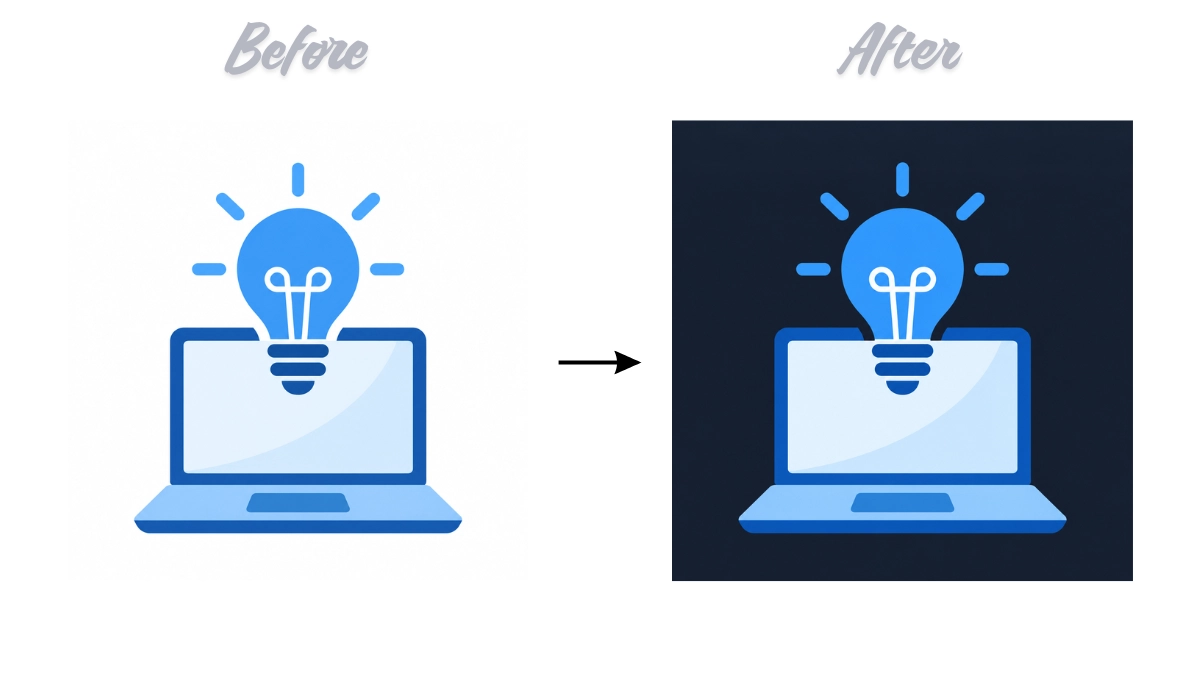
ChatGPT can generate images from natural-language descriptions. Make changes through follow-up instructions.
That makes it convenient for bloggers, marketers and creators who do not want to learn a prompt syntax every time they need a concept illustration, social graphic idea or visual mockup.
For publishing I still check details carefully, especially text inside images, brand elements, data visualizations and anything intended to represent a real interface.
Coding and Technical Work
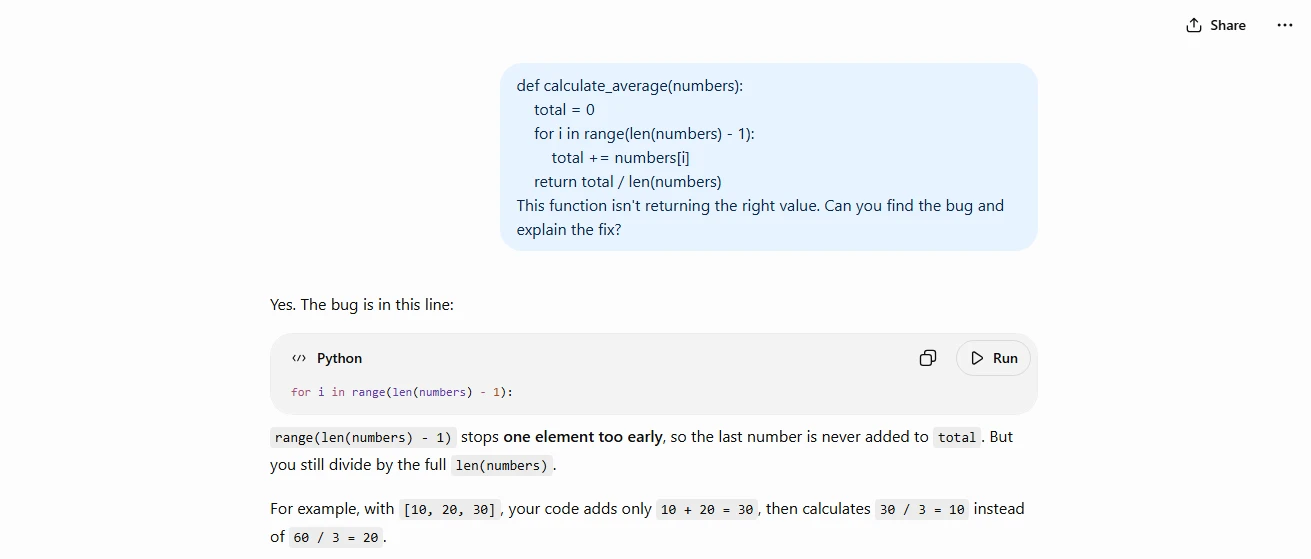
ChatGPT for coding has become more capable than simple code generation.
It can explain code, debug errors, propose architecture, write scripts, analyze repositories and assist with longer coding workflows through Codex-related capabilities.
The biggest benefit for me is not “write an app from one sentence.” It is reducing friction when I know what I want but need help getting from one step to the next.
That said, generated code still needs testing. Security-sensitive code deserves human review.
Voice, Memory, Projects and Connected Apps
Voice makes ChatGPT useful when typing is inconvenient. Memory and personalization can reduce the amount of context you need to repeat while project-style workflows make ongoing work easier to organize.
ChatGPT can also work with supported services and connected data. For example OpenAI documents integrations with Google services while business products can connect with tools such as Google Workspace, Slack, GitHub and Microsoft 365.
This is where I think ChatGPT is heading: away from being a website you visit for answers and toward becoming a layer that helps you work across information and apps.
ChatGPT Review: Pricing — Free vs Go vs Plus vs Pro
For U.S. Users choosing a plan is no longer simply “Free or Plus.”
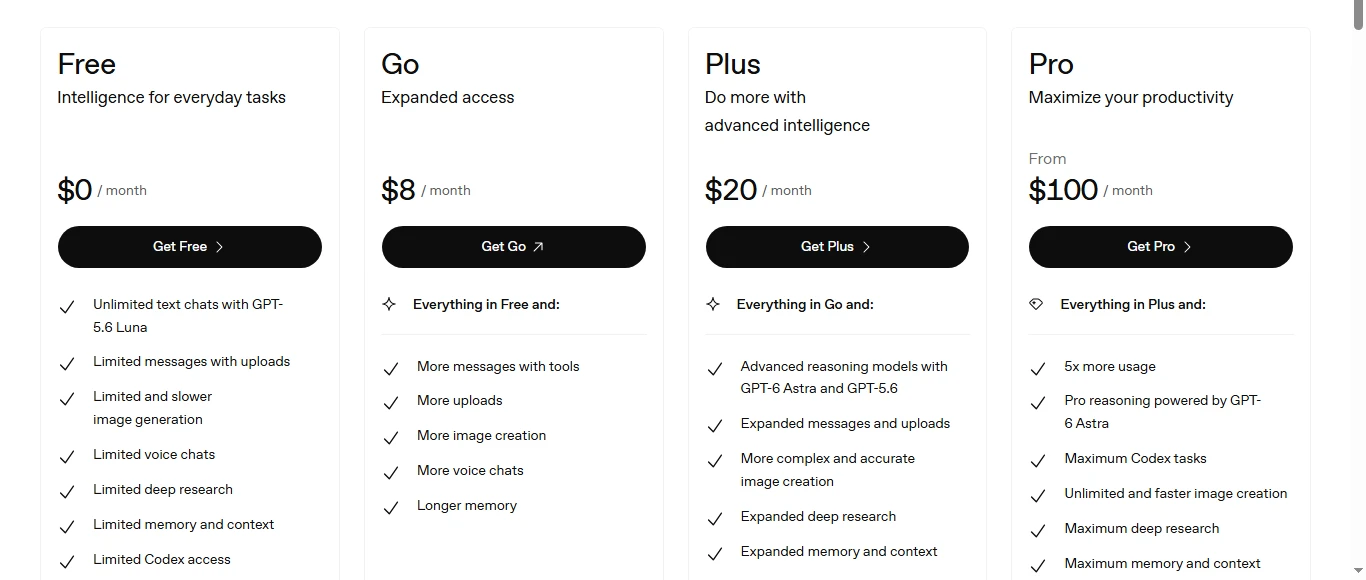
Here is the practical breakdown based on pricing in September 2026:
| Plan | Current U.S. Price | Who I Think It Suits |
| Free | $0 | Casual questions and testing ChatGPT |
| Go | $8/month | Users who need more capacity but not advanced paid features |
| Plus | $20/month | Writers, students, researchers, developers, and professionals using ChatGPT regularly |
| Pro | $100/month | Heavy professional users who need Pro models and more usage |
| Pro 20X | $200/month | Highest-usage power users; new sign-ups temporarily paused as of Sept. 10, 2026 |
| Business Standard | $25/user/month (monthly) or $20/user/month (billed annually) | Teams needing administration, business privacy, and shared workspace features |
| Business Premium | $125/user/month (monthly) or $100/user/month (billed annually) | Teams with significantly heavier AI usage |
| Enterprise | Custom | Larger organizations needing enterprise deployment and controls |
ChatGPT Plus remains $20 per month while the U.S. Go plan is $8 per month. OpenAI currently offers $100 and $200 tiers although new sign-ups and upgrades to the $200 tier were temporarily paused on September 10 2026.
Business pricing has also evolved: Standard seats cost $25 monthly or $20 per month when billed annually while Premium seats cost $125 monthly or $100 per month annually.
ChatGPT Review: Free vs Plus — Is Plus Worth $20?
For use I would start with Free.
If you mainly ask questions rewrite short messages or brainstorm occasionally paying every month may not make sense.
I think ChatGPT. Is worth it when ChatGPT becomes part of your actual workflow.
The $20 plan gives access to models and tools higher limits for use, better thinking ability, quicker answers and more access to features like voice, image making, file checking and Deep Research.
For a writer, developer, researcher, student or small business person who uses these features times a week this is a much easier choice to make.
ChatGPT Review: Is the Pro Plan Worth It?
Most people do not need Pro.
Pro makes sense when the limits really get in the way of paid work or when the best models save enough time to make the high monthly cost worth it.
The $100 Pro version offers about five times use than Plus while the $200 version is about twenty times more than Plus.
I would not upgrade just because “Pro must be better.” I would upgrade after realizing there is a real problem with Plus.
ChatGPT Review: Pros and Cons After Looking at the Full Package
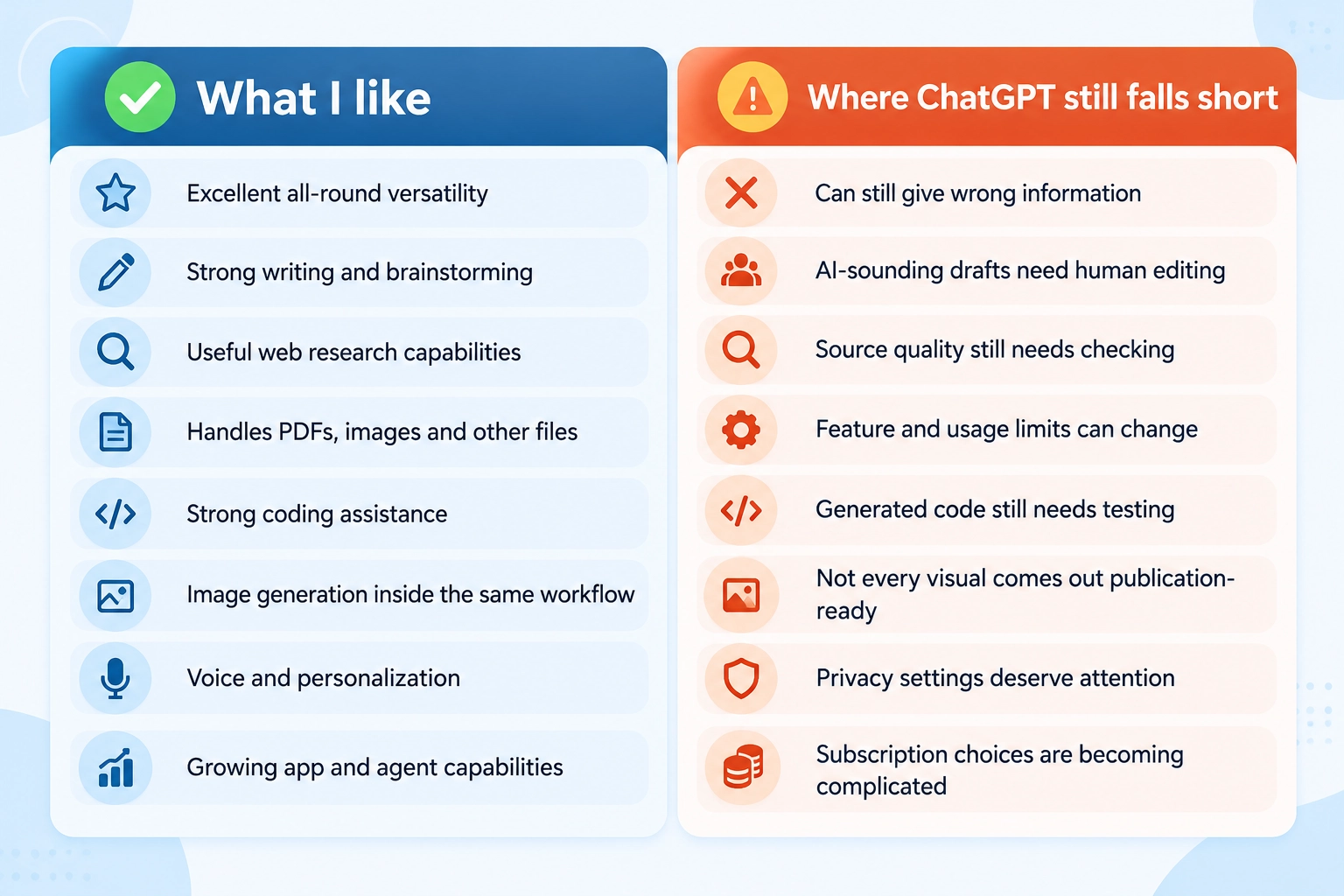
| What I like | Where ChatGPT still falls short |
| Excellent all-round versatility | Can still give wrong information |
| Strong writing and brainstorming | AI-sounding drafts need human editing |
| Useful web research capabilities | Source quality still needs checking |
| Handles PDFs, images and other files | Feature and usage limits can change |
| Strong coding assistance | Generated code still needs testing |
| Image generation inside the same workflow | Not every visual comes out publication-ready |
| Voice and personalization | Privacy settings deserve attention |
| Growing app and agent capabilities | Subscription choices are becoming complicated |
The biggest strength is variety.
I can start with brainstorming an idea research it upload a document compare information draft a table and make a plan without moving between five different programs.
The biggest weakness is trust.
ChatGPT can sound just as sure when it is right as when it is wrong. That means the important the decision the more checking is needed.
ChatGPT Review: How Accurate and Safe Is It?
ChatGPT is very helpful. It should not be seen as a perfect source of truth.
Accuracy depends on the task, the model, the prompt, information and if the information is up to date.
I feel comfortable using ChatGPT for brainstorming reorganizing writing explaining ideas and helping to organize information. I am more careful with prices, legal rules, medical information, financial claims, current product features and numbers.
My rule is simple: if being wrong would matter check the answer.
Is ChatGPT Safe to Use?
For non-sensitive tasks ChatGPT has some privacy options but users should know the settings instead of thinking every talk is private by default.
On Free, Plus and Pro accounts users can turn off Improve the model for everyone under Data Controls so new talks are not used for training. Temporary Chats are also not used for training. Get deleted from OpenAIs systems after 30 days.
OpenAI says Business, Enterprise and API inputs and outputs are not used to train its models by default.
With these protections I would avoid putting passwords, financial details, private client information or sensitive personal data into any AI service.
ChatGPT vs Gemini vs Claude vs Copilot vs Perplexity
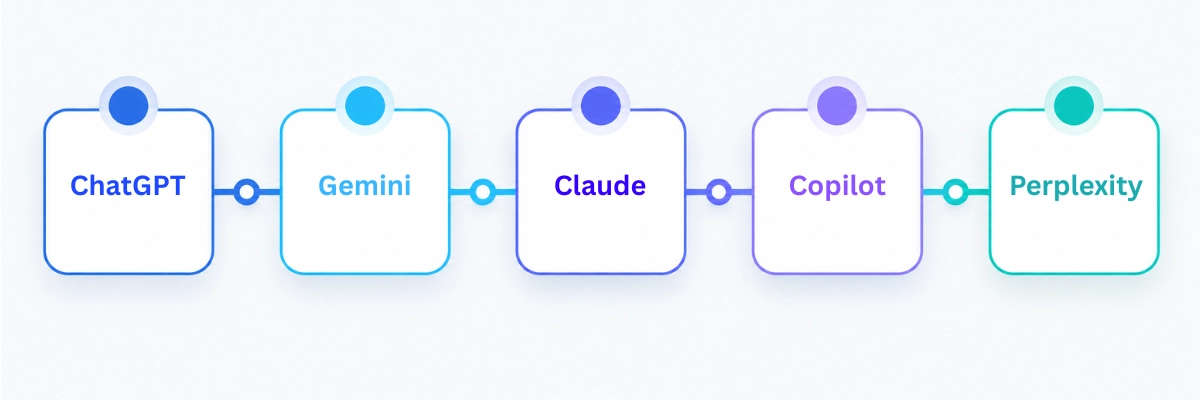
There is no single ** AI chatbot in 2026** for every person.
My shortlist changes depending on the job:
| AI Tool | Where I Would Choose It First |
| ChatGPT | Best all-round mix of writing, research, coding, files, images and general productivity |
| Gemini | Strong choice for people who use Google’s ecosystem a lot |
| Claude | Especially good for coding and tough knowledge work |
| Microsoft Copilot | Best fit for people who work mainly in Microsoft 365 |
| Perplexity | Great when web research and showing sources are the main focus |
Google keeps making Gemini better at working with Gmail, Drive, Docs, Sheets, Slides and other Workspace services.
Claude is still an option for coding and knowledge work with Anthropic making newer models better for more complex tasks.
Microsoft Copilot is best when the information and apps you use are inside Microsoft 365. Microsoft says it uses both internet data and work content you have permission to access.
Perplexity is still good as a web-based answer tool. Its main job is to find up-to-date info and show where it comes from.
If I could only have one general-purpose AI subscription ChatGPT would still be near the top of my list because it can help with many different tasks.. Someone who works all day in Google Workspace, Microsoft 365 or deep research might pick something else.
Who Should Use ChatGPT?

For students I think ChatGPT is most useful as a teacher, explainer and study partner than a way to get assignments done fast. Ask it to test you explain a topic in three ways or find missing parts in your learning.
For business people the value is in cutting down on tasks: summarizing, making first drafts checking competitors analyzing files and connecting different steps.
For writers and content creators it works best as help with research, ideas, structure and editing—not as a replacement for knowledge.
For developers ChatGPT can speed up fixing problems explaining code, building prototypes and doing tech research. Actual code still needs checking.
For SEO I would use ChatGPT to speed up good work instead of trying to make hundreds of simple pages. Search intent experience, quality sources and being helpful are more important than how fast text can be made.
FAQ: ChatGPT Review 2026
Is ChatGPT worth it in 2026?
Yes ChatGPT is worth using in 2026 for people who need help with writing, research, coding, studying or work. The free version is enough for use while Plus becomes easier to justify if you use advanced tools or use ChatGPT often for work.
Is ChatGPT better than Google?
Not in every way. Google is still good for finding websites and looking at search results. ChatGPT is better for talking explanations putting things together and doing steps. I often use AI to narrow the problem. Then check facts with real sources.
Can ChatGPT replace a writer?
Not at all. ChatGPT can. Edit fast but good writing still needs real experience personal views checking facts knowing the audience and editing skills. I see it as a writing helper, not a writer.
Does ChatGPT copy?
ChatGPT makes answers of just copying a source but that does not mean all the words are safe to publish without checking. For work that needs to be real check claims, quotes and parts that depend on sources and use checks for copying when needed.
How accurate is ChatGPT?
ChatGPT can be very accurate especially when it has context and good sources but it can still make mistakes or say things without proof. For anything medical legal money, school or up-to-date facts—check the answer, with real good sources.
Final Verdict: Is ChatGPT Worth Using in 2026?
After examining the product instead of only the chatbot I say yes, most people should still try ChatGPT in 2026.
The main advantage of ChatGPT is its versatility. I can use this assistant for writing, research, coding, document analysis, images, brainstorming and complex workflows that are growing in difficulty.
The biggest drawback of ChatGPT is that its versatility can give a sense of confidence. A looking answer does not always mean the answer is correct.
I would begin with the plan discover which features really save time and only upgrade when the limits of the current plan become clear. For professional use the Plus plan at twenty dollars per month is the first plan I would consider. The Pro plan is only sensible for a group of users who need very high volume.
ChatGPT is not a substitute for expertise, judgment or firsthand experience. When used correctly though it can make all three easier to apply.
The step: If you are deciding whether to pay for ChatGPT read the full ChatGPT Free vs Plus vs Pro comparison. If you are still choosing an AI assistant compare ChatGPT vs Gemini and ChatGPT vs Claude before subscribing.